Search contacts or groups in Matrx
Matrx provides a search tool for all users to search and find what they need in a faster way. Users can search their contacts and groups that they're in and then chat or meet them right away.
- 💻Desktop Users
- 📱Android Users
Search Contacts
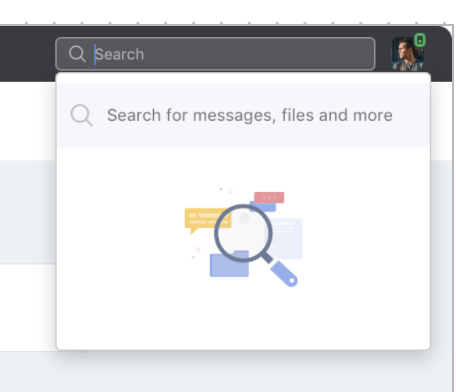
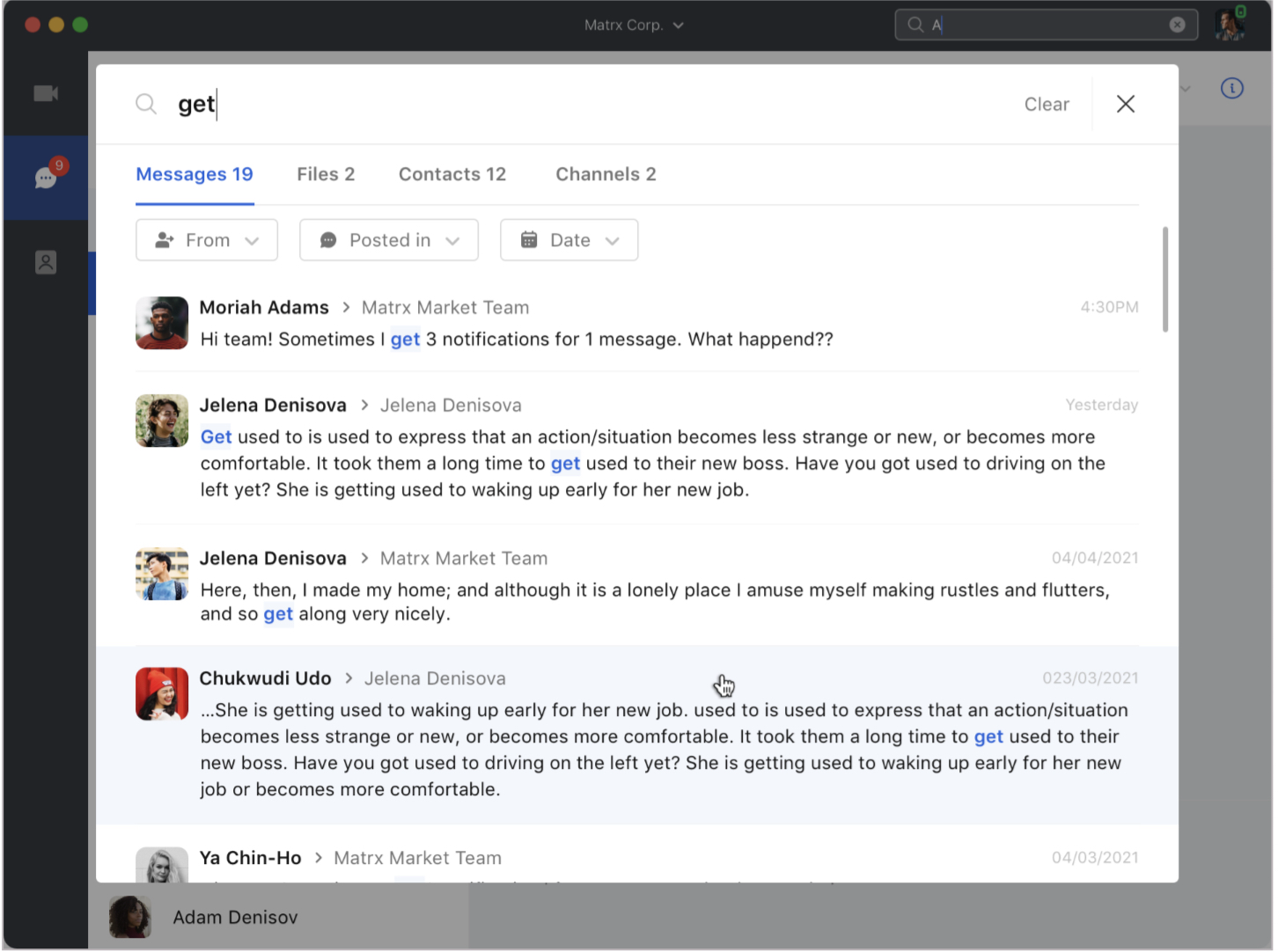
Click the search box at the Chats tab, enter keywords in the search area, and the search results will appear under the search box. It shows the top 5 results. If you want to see the complete list of results, you can use the "Enter" button on the keyboard or click "Please enter to view all results" under the search box. Switch to the" Contacts" tab to view all the results, and you can click any contact in the result list and start to chat.
Search Groups
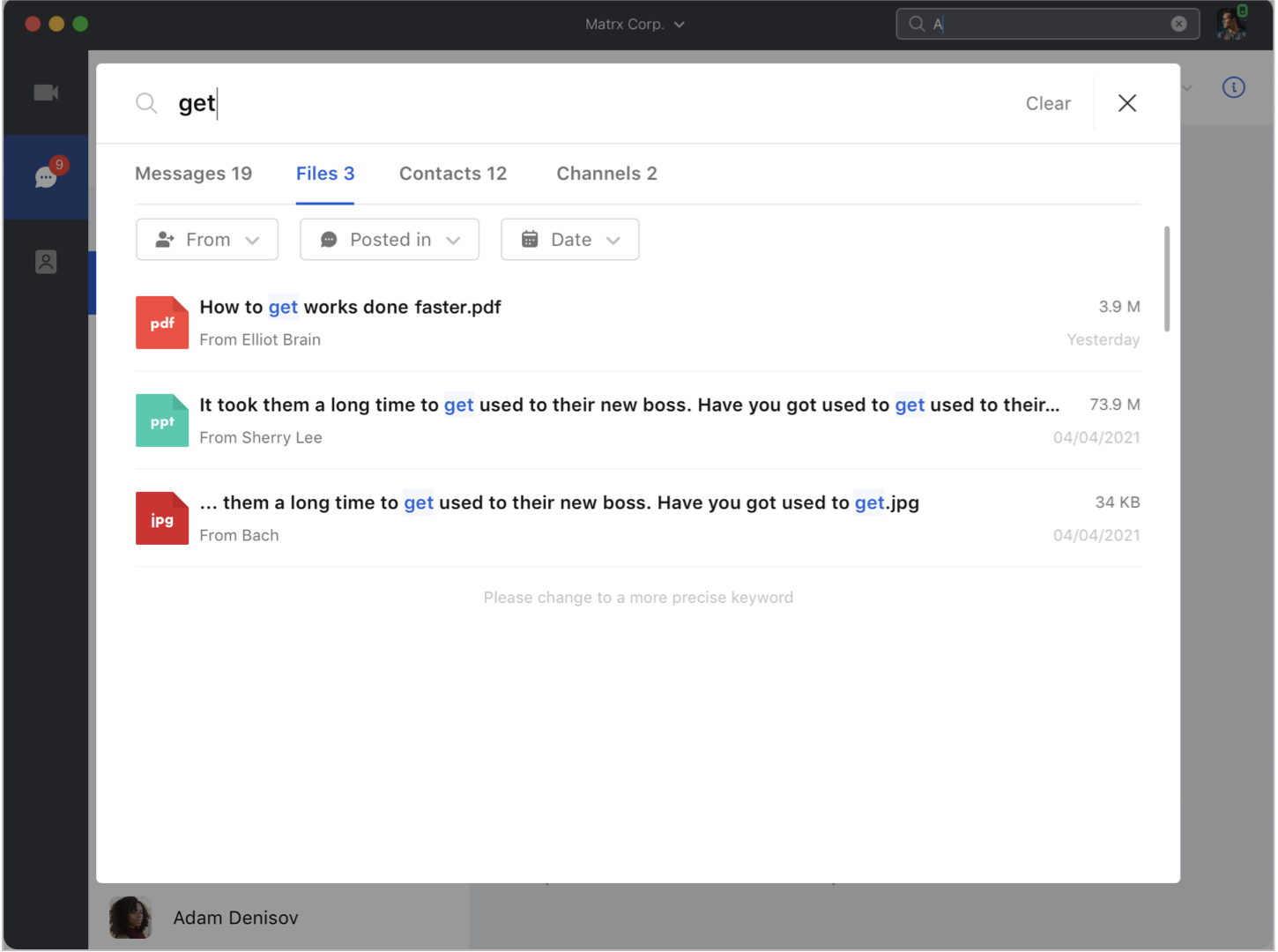
Click the search box at the Chats tab, enter keywords in the search area, and the search results will appear under the search box. It shows the top 5 results. If you want to see the complete list of results, you can use the "Enter" button on the keyboard or click "Please enter to view all results" under the search box. Switch to the" Channels" tab to view all the results, including channel names and members in the channel. And you can click any channel in the result list and start to chat in the channel.
Search Contacts
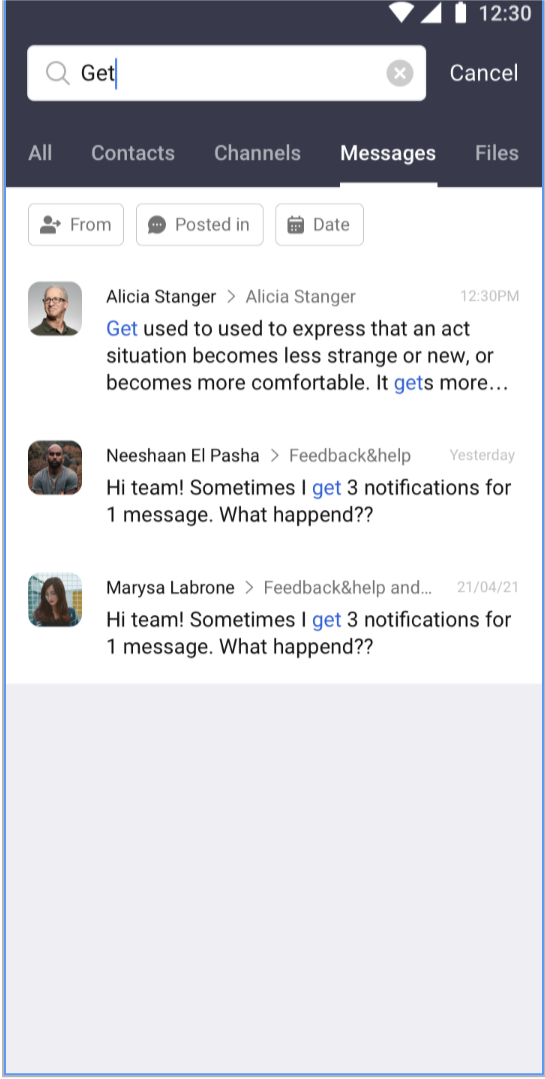
Tap the search box at the Chats tab, enter keywords in the search area, and the search results will appear on the search page. It shows the top 5 results. If you want to see the complete list of results, you can switch to the "Contacts" tab or tap the "View more contacts" button under the 5 results. You can tap any contact in the list and start to chat.
Search Channels
Tap the search box at the Chats tab, enter keywords in the search area, and the search results will appear on the search page. It shows the top 5 results. If you want to see the complete list of results, you can switch to the "Channels" tab or tap the "View more channels" button under the 5 results. Switch to the" Channels" tab to view all the results, including channel names and members in the channel. And you can click any channel in the result list and start to chat in the channel.