Report contacts in the Personal space
If you're harassed by your contact or have some other issues with your contact, you can report the contact and the team will deal with your feedback.
Windows and macOS
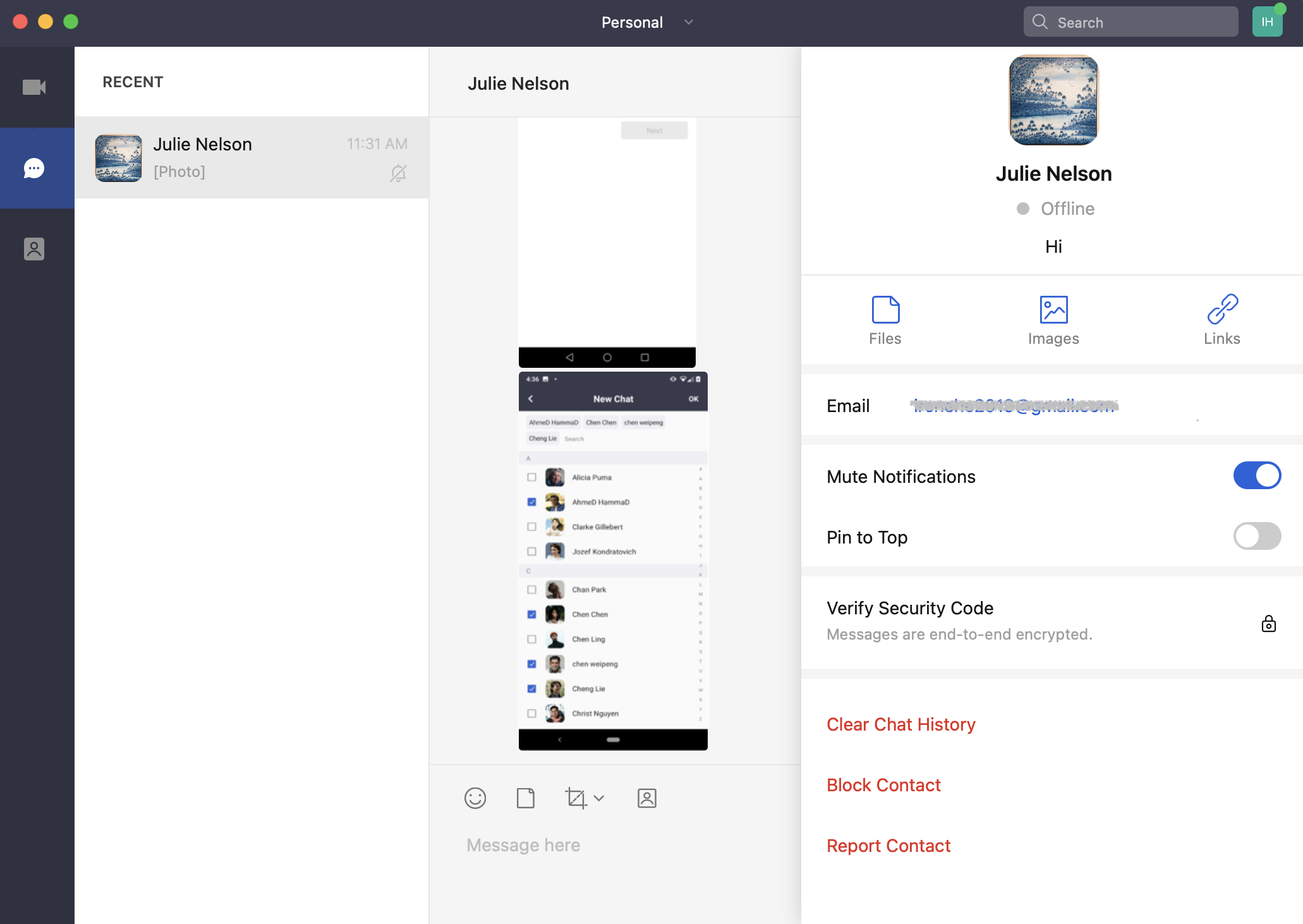
1. Click the  icon in the chat with the contact and then click the Report Contact button on the profile page.
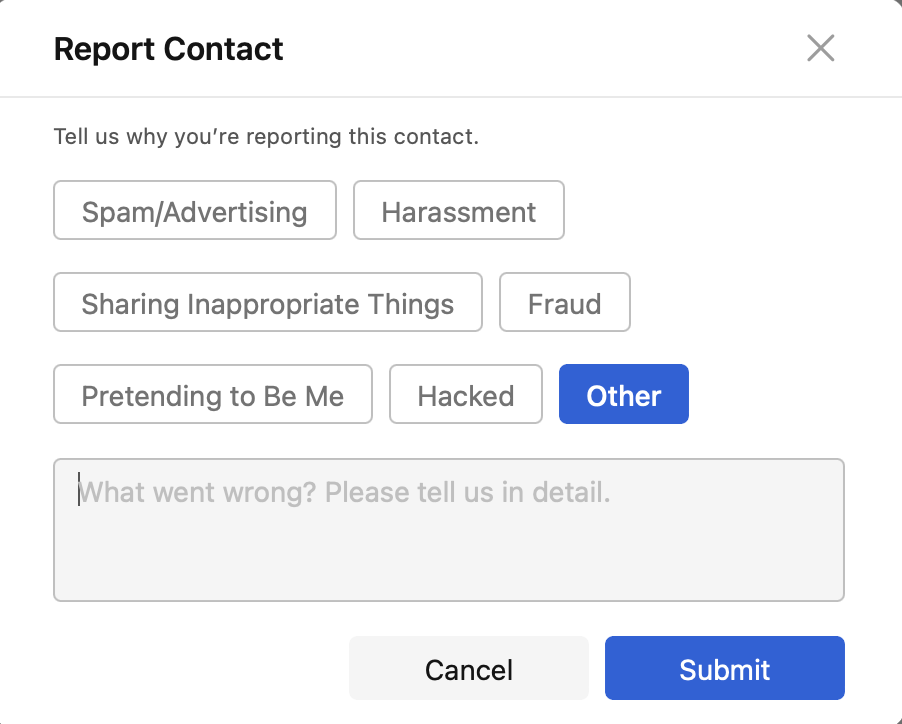
- Select one of the reasons or click Other and input the reason in the box and then click Submit.
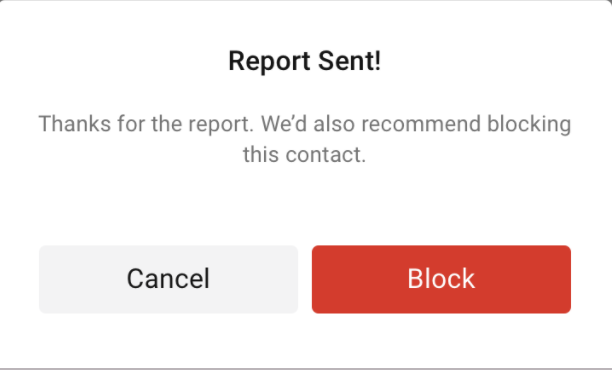
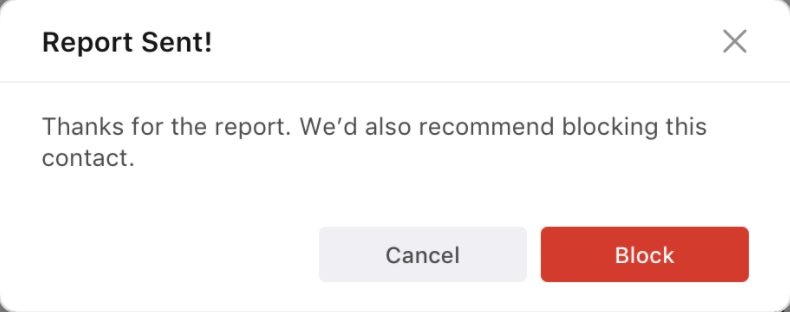
- If you have not blocked the contact yet, we recommend blocking the contact after submitting the report.
Android and iOS
1. Tap the icon in the chat with the contact and then tap the Report Contact button on the profile page.
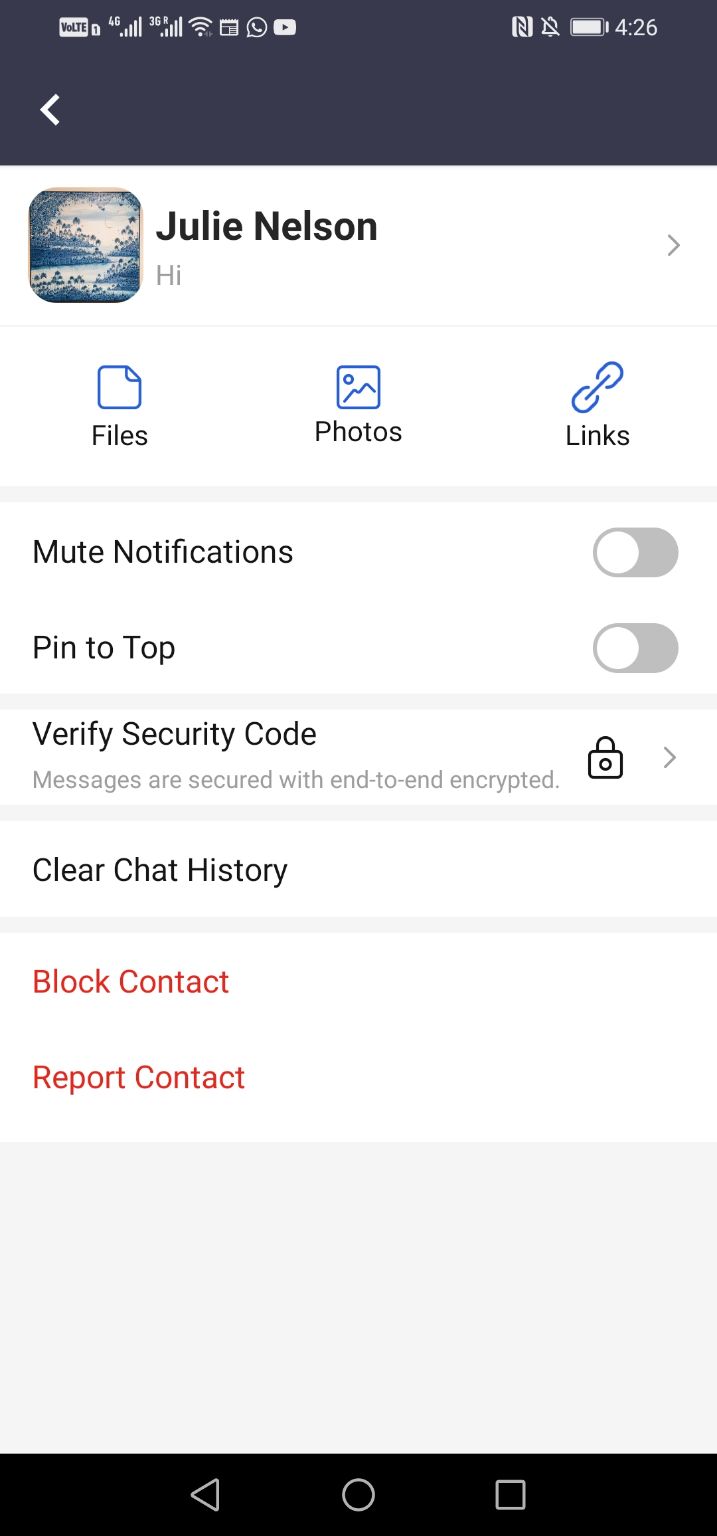
2. Select one of the reasons or tap Other and input the reason in the box and then tap Submit.
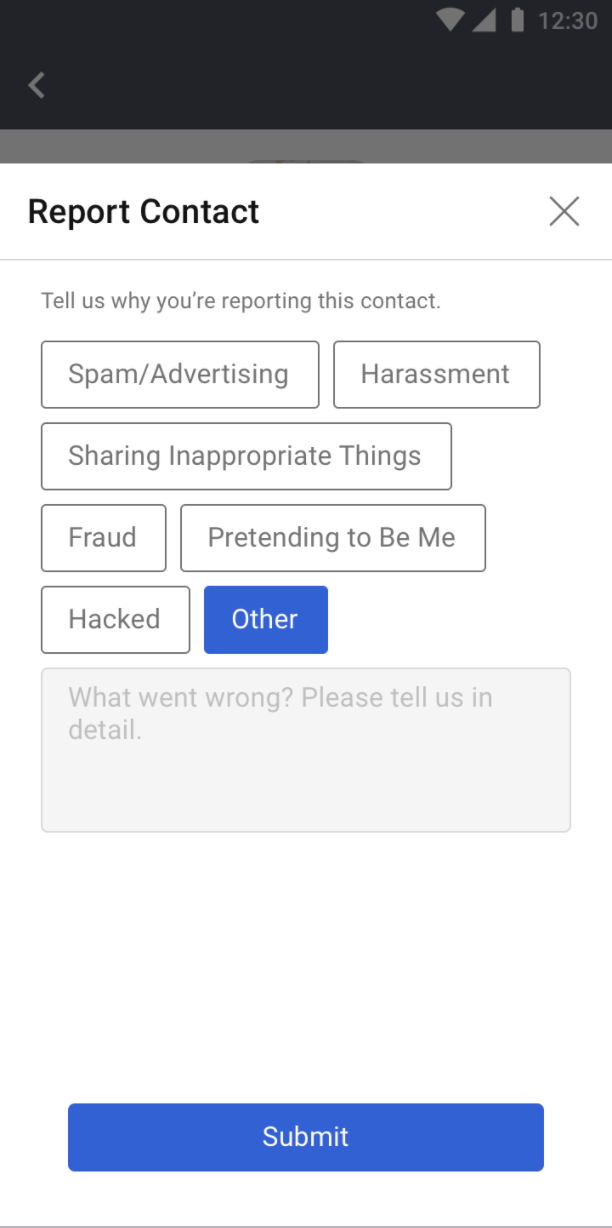
3. If you have not blocked the contact yet, we recommend blocking the contact after submitting the report.