Block contacts in the Personal space
You can block the contacts to stop receiving messages from the contacts without deleting the contacts. You can also unblock the contacts to receive their messages again.
Windows and macOS
Block a Contact
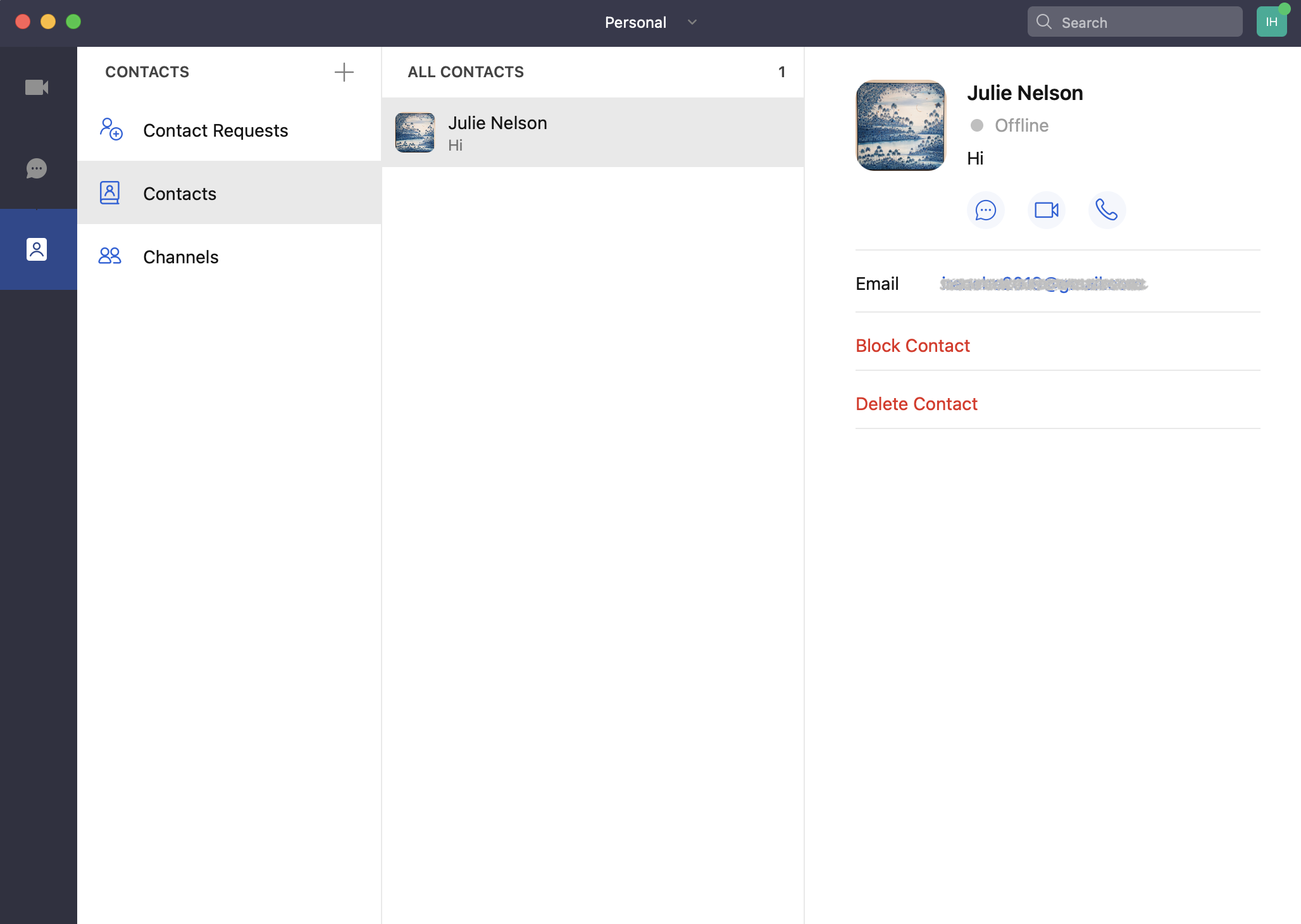
Go to the Contacts tab, click Contacts, click the contact that you want to block, and then click the Block Contact button on the profile page.
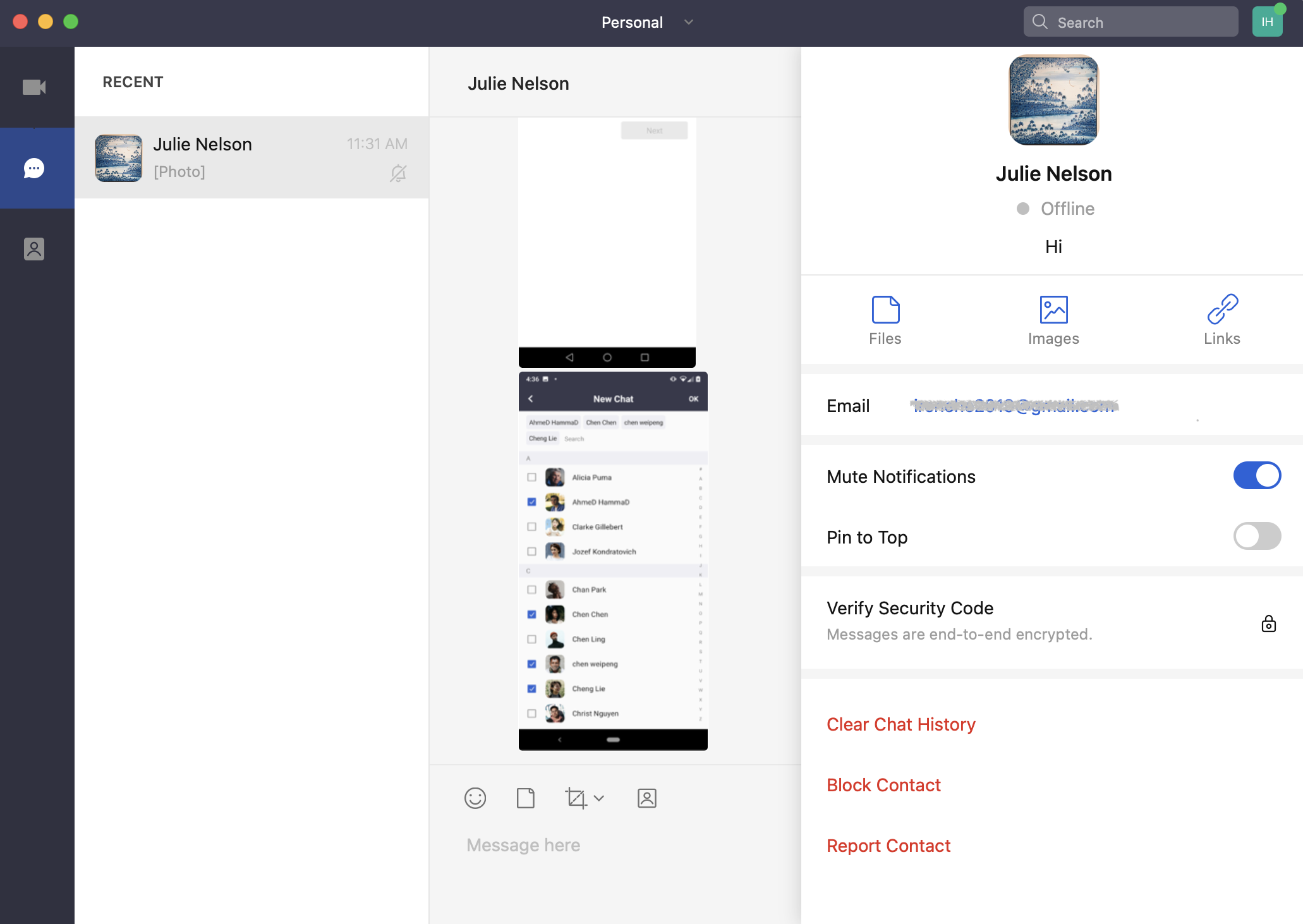
 You can also click the
  icon in the chat with the contact and then click the Block Contact button on the profile page.
 Unblock a Contact
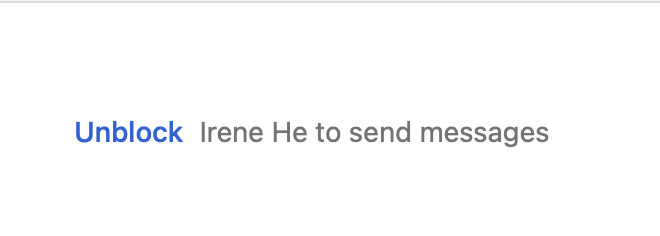
If the contact is blocked by you, there will be a message like the below one in the input box. To send to and receive messages from the contact again, click the Unblock button to unblock the contact.
Unblock a Contact
If the contact is blocked by you, there will be a message like the below one in the input box. To send to and receive messages from the contact again, click the Unblock button to unblock the contact.
Android and iOS
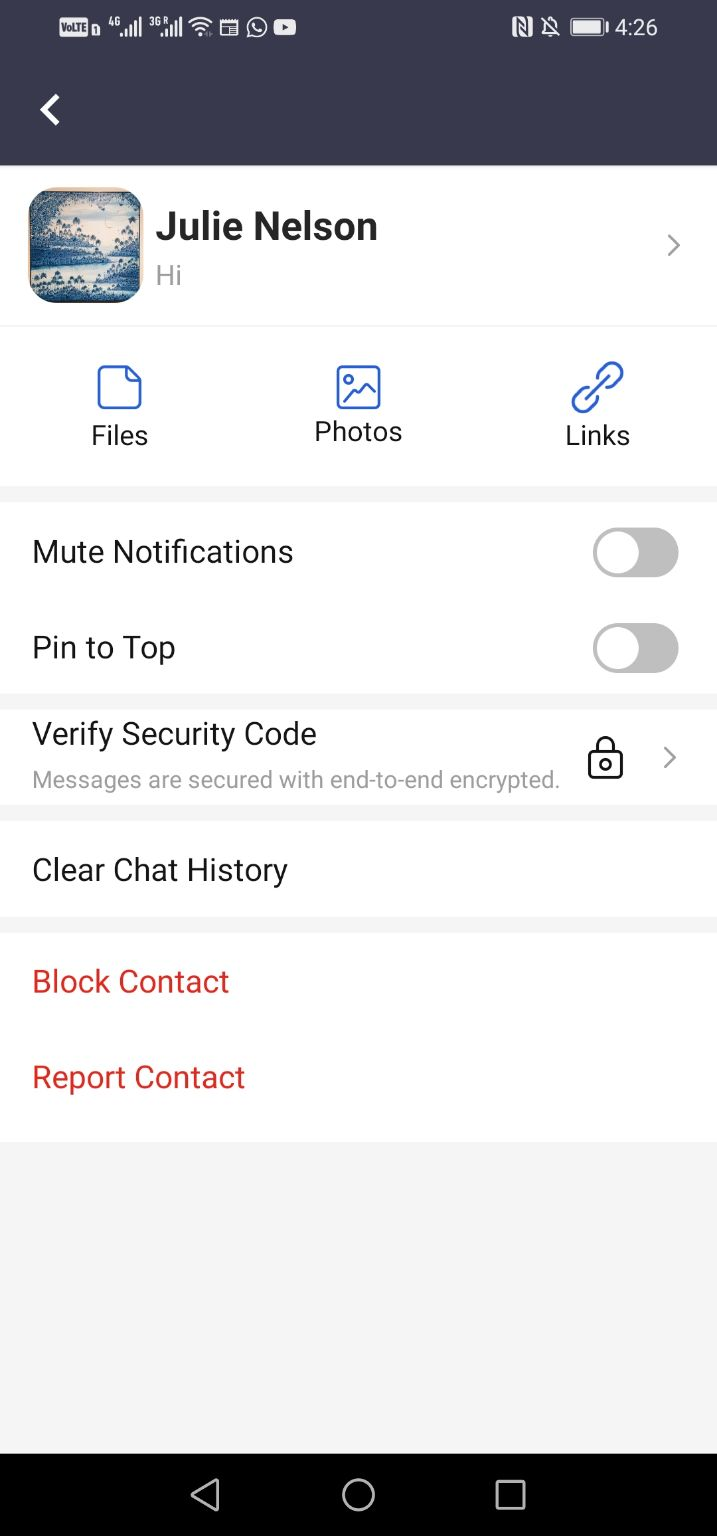
Block a Contact
Go to the Contacts tab, tap Contacts, tap the contact that you want to delete, and then click the Delete Contact button on the profile page.
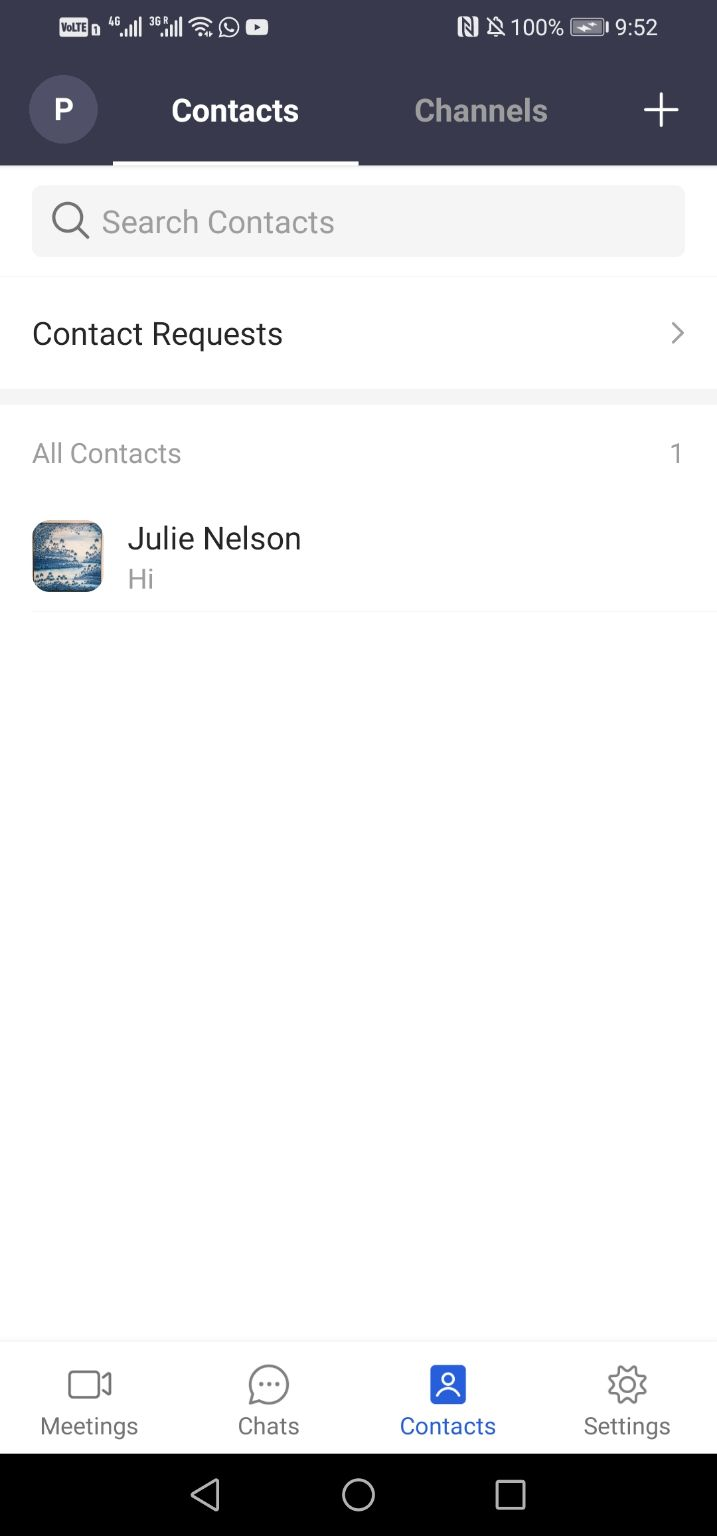
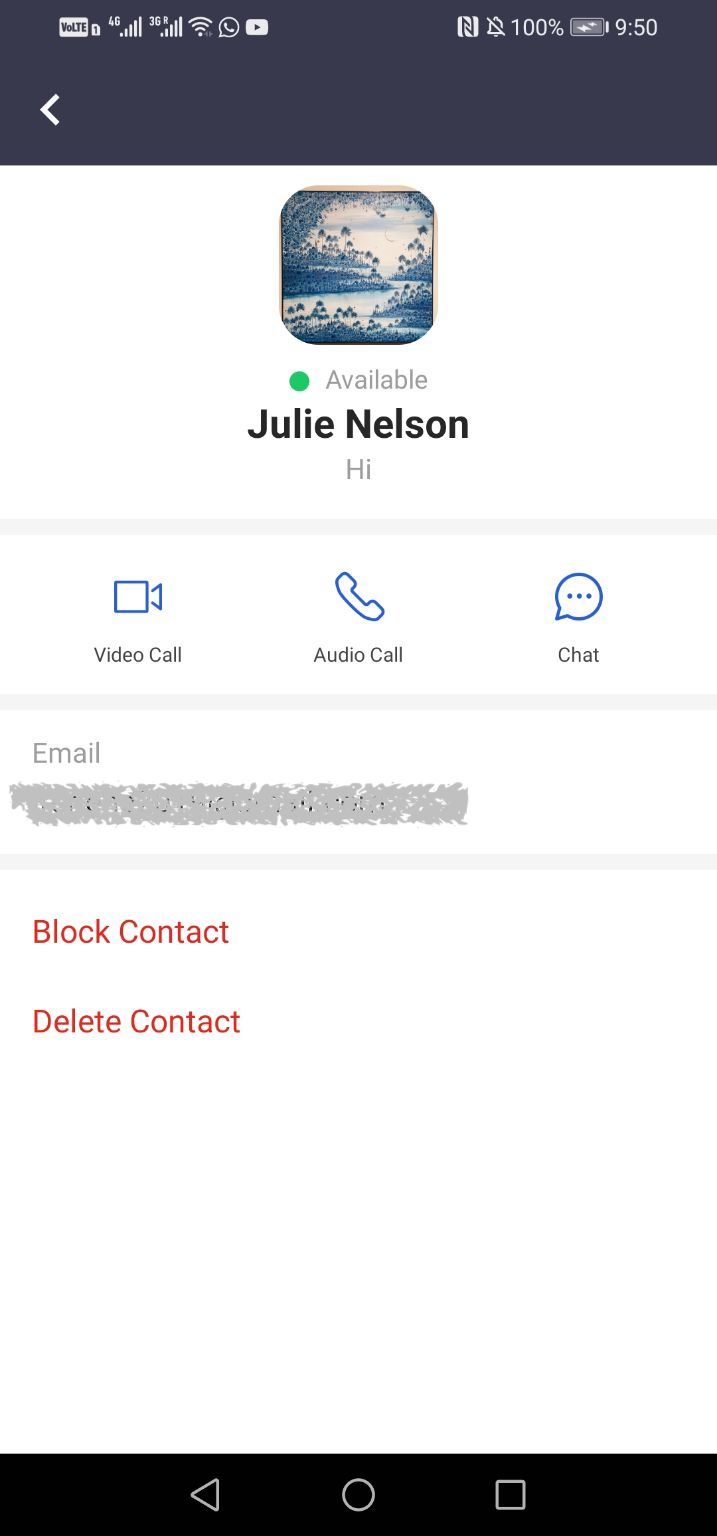 You can also tap the icon in the chat with the contact and then tap the Block Contact button on the profile page.
 Unblock a Contact
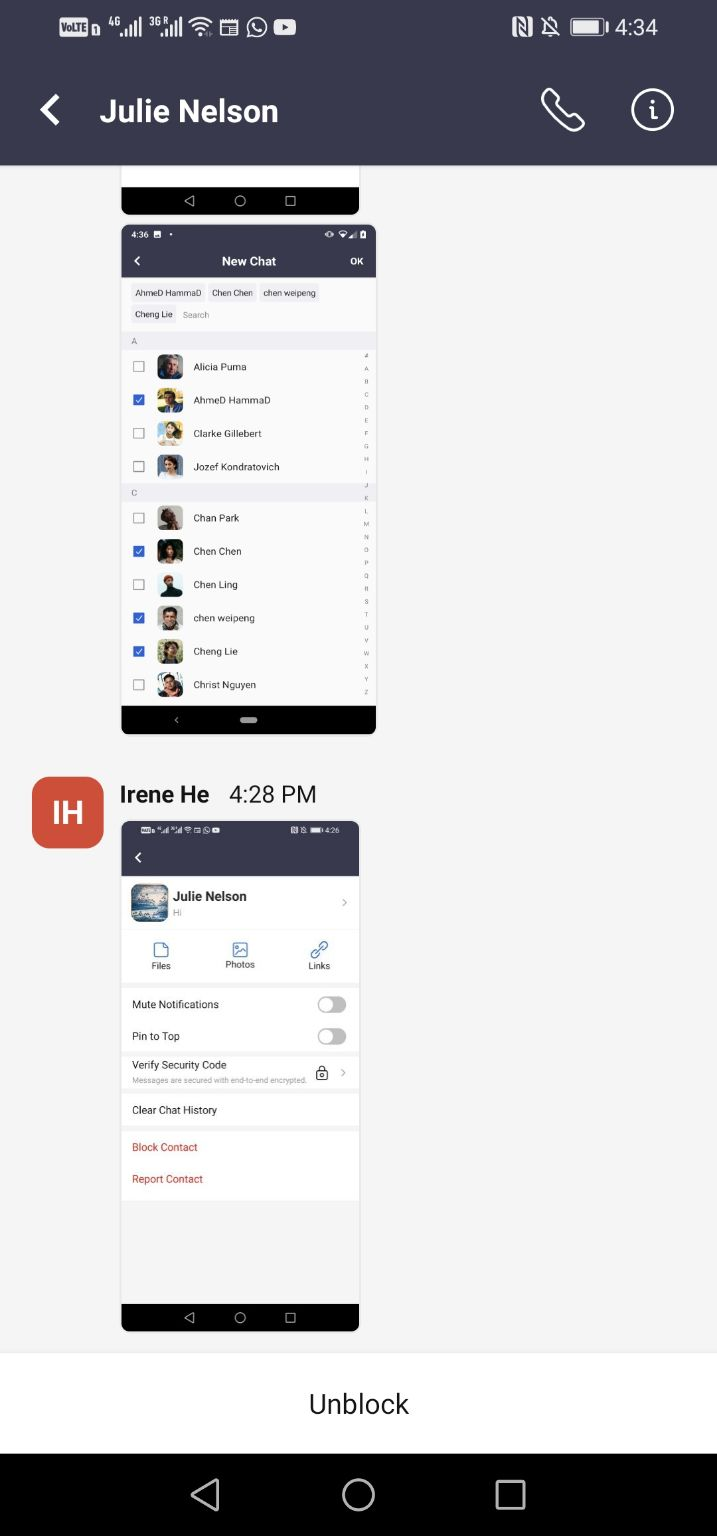
If the contact is blocked by you, the input box will become the Unblock button. To send to and receive messages from the contact again, click the Unblock button to unblock the contact.
Unblock a Contact
If the contact is blocked by you, the input box will become the Unblock button. To send to and receive messages from the contact again, click the Unblock button to unblock the contact.