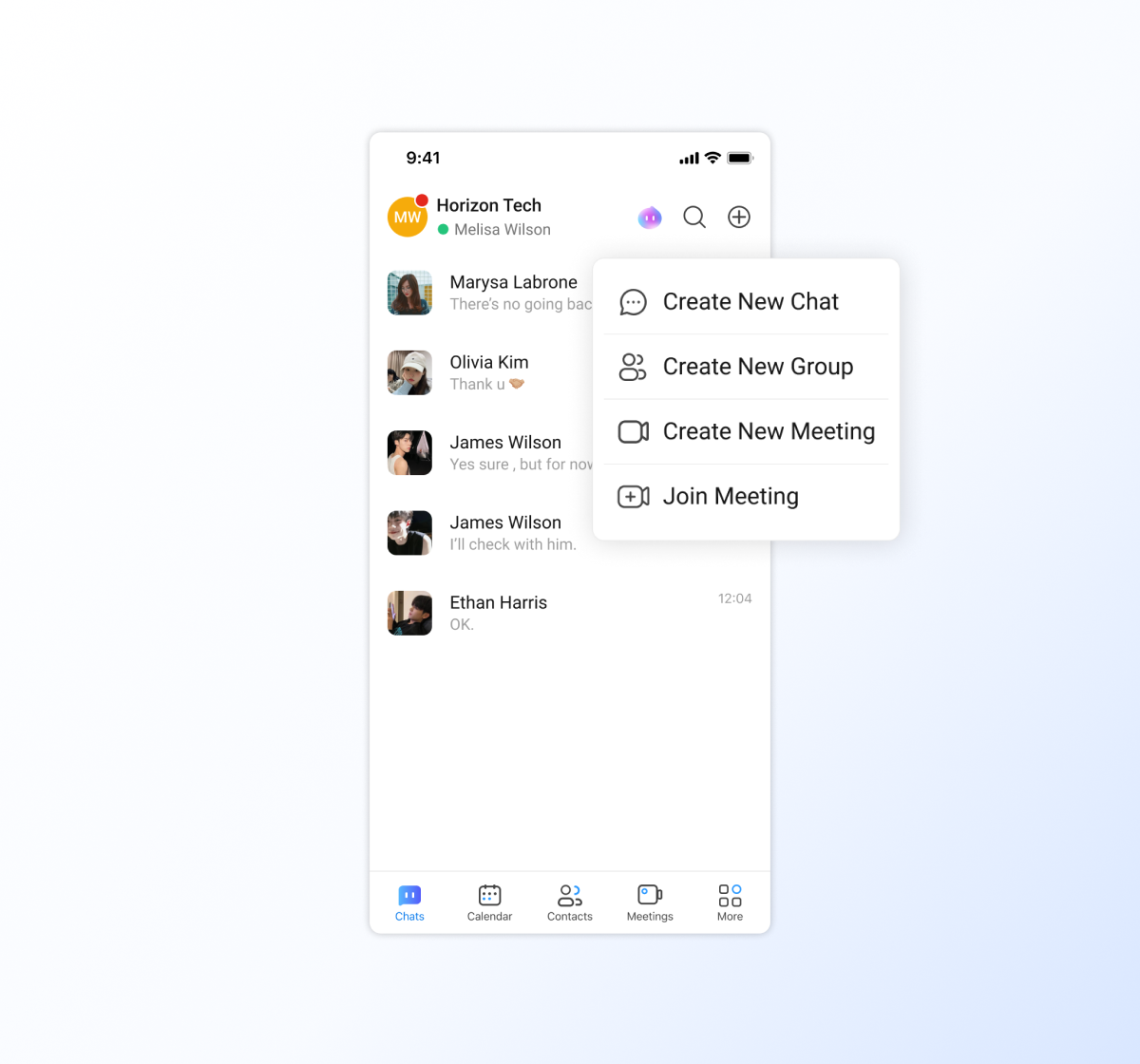
Start a chat
All members can start a chat and send messages on Matrx. In the Personal space, users can add contacts and start to chat with their friends. These chats are secured with end-to-end encryption and leave no trace on our servers. In the workspace, all the users from the same enterprise, project, or department can start to chat with each other without adding them.
- 💻Desktop Users
- 📱Mobile Users
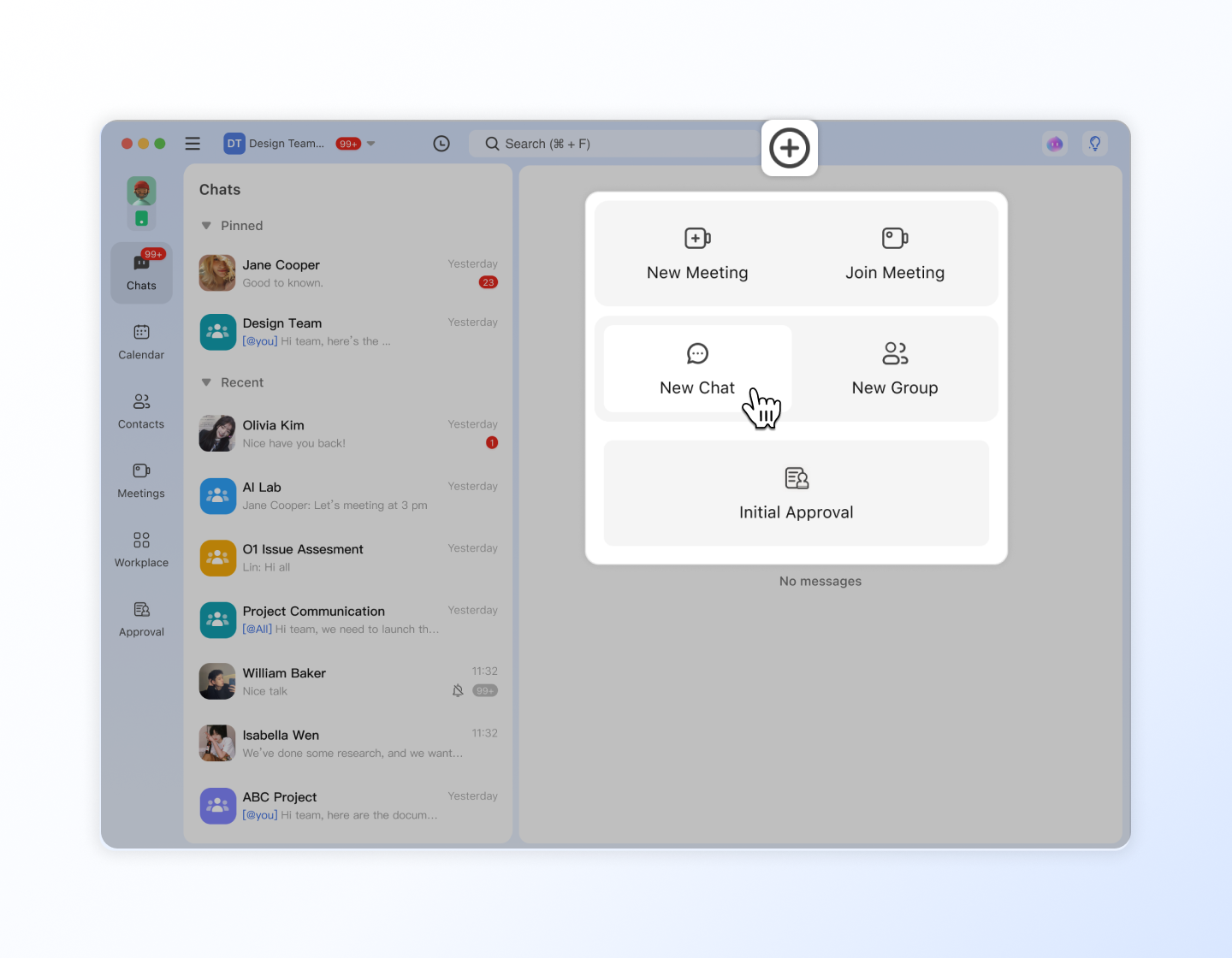
Click the + icon, and find the contact you want to chat with in the Contacts pop-up, click the contact's name, and click OK to start a new chat.
Tap the + icon at the upper right corner of the Chats tab and select one contact to start a 1-on-1 chat or multiple contacts to create a group chat.