How to use meeting settings
Participants can change the meeting settings before and during the meeting, such as Video, Audio, and other selected settings.
Windows and macOS
Meeting settings in the meeting
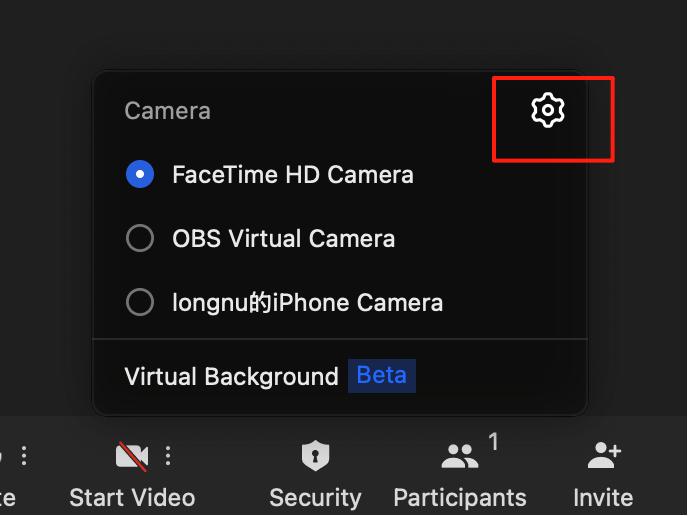
If you are in a meeting, you can click the Setting button in the Video setting pop-up, and the meeting settings pop-up window will appear.
General
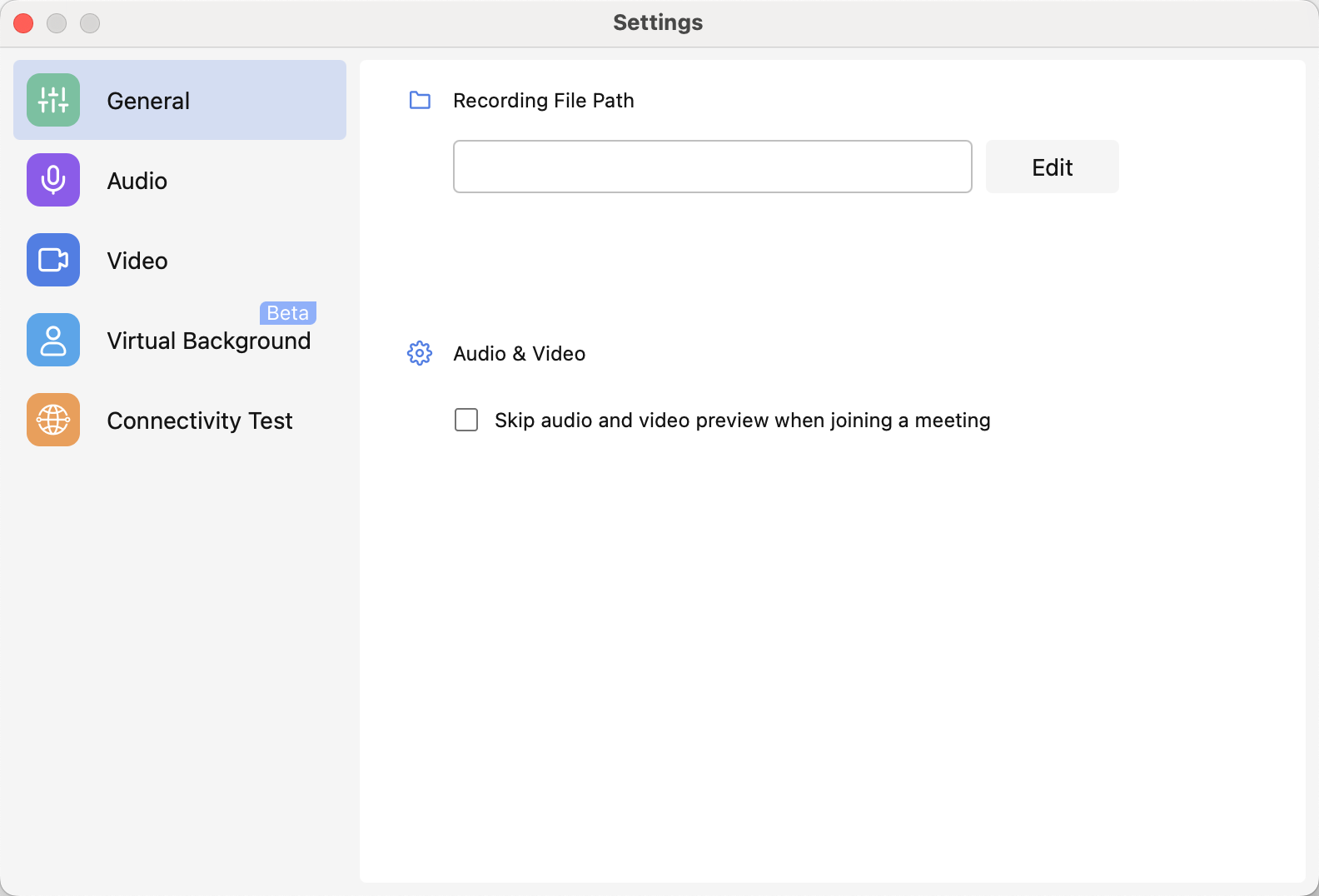
At the General tab, you can change the location where the recording files will be saved to.
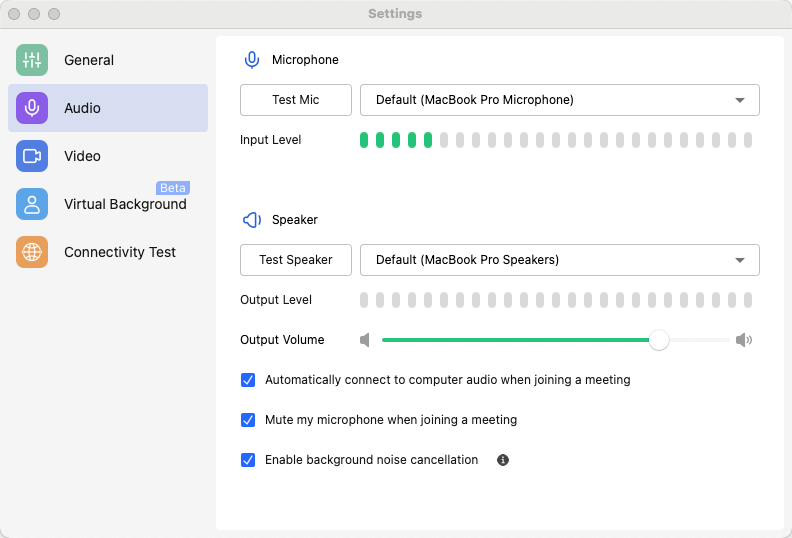
Audio
You can test and select microphone and speaker devices to meet any meeting circumstances.
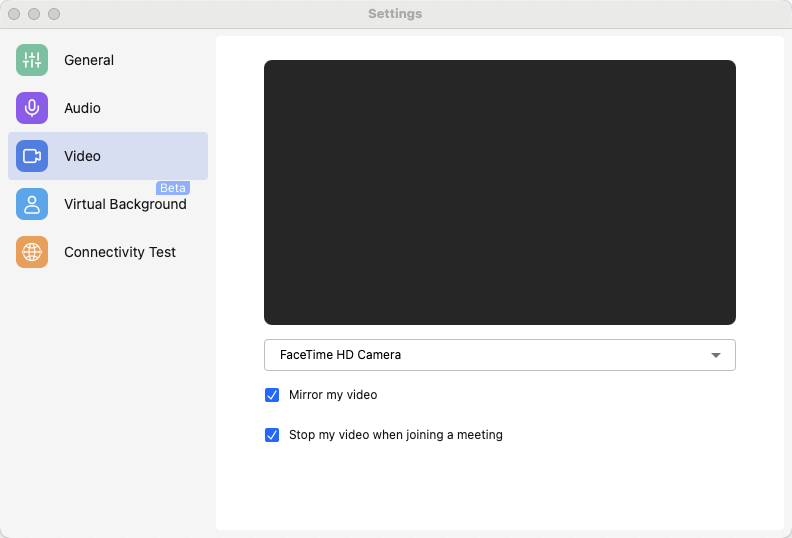
Video
At the video tab, you can select the camera device, enable or disable Video mirroring, and enable or disable video when joining a meeting.
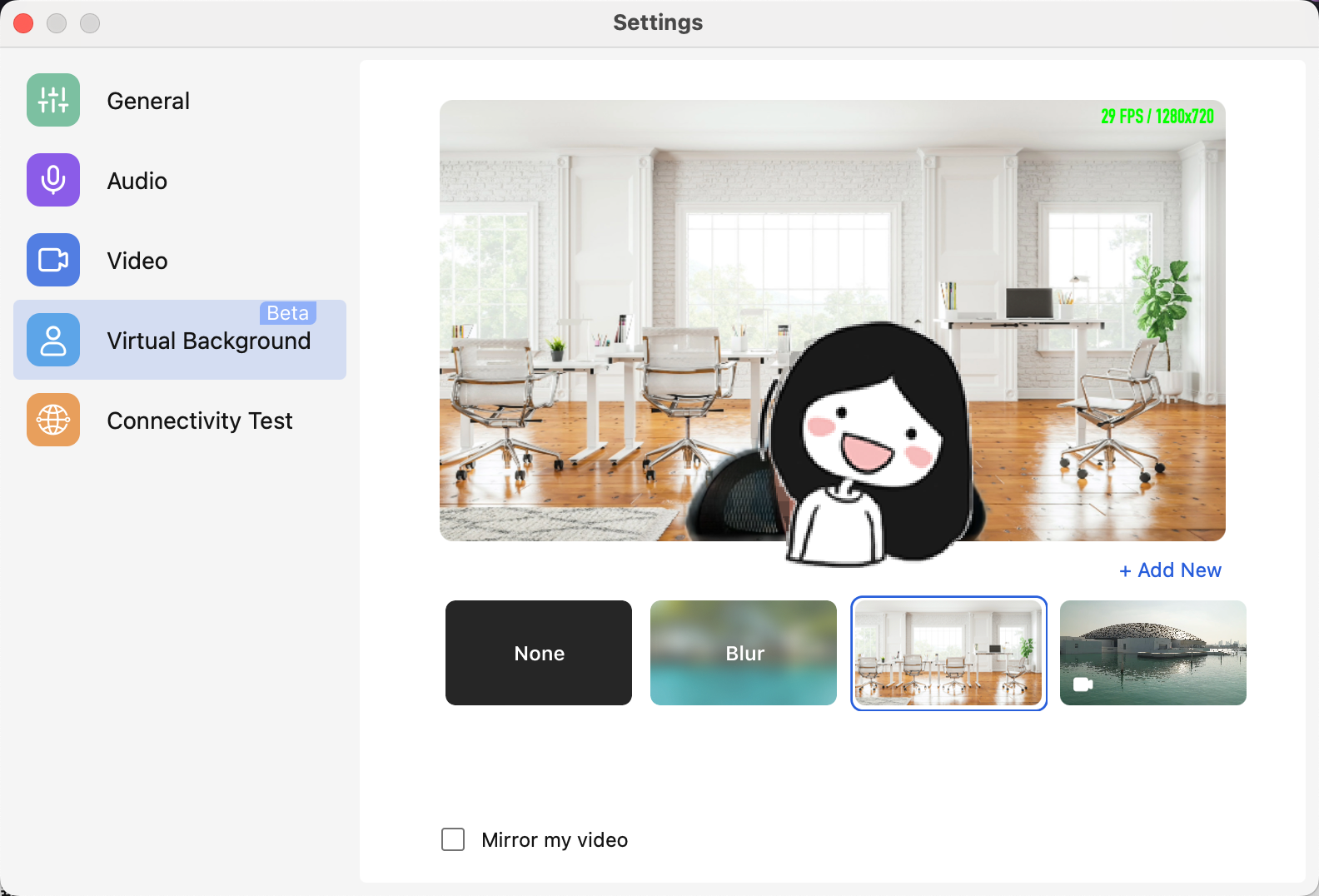
Virtual Background
At this tab, you can set your virtual background.
Andriod and iOS
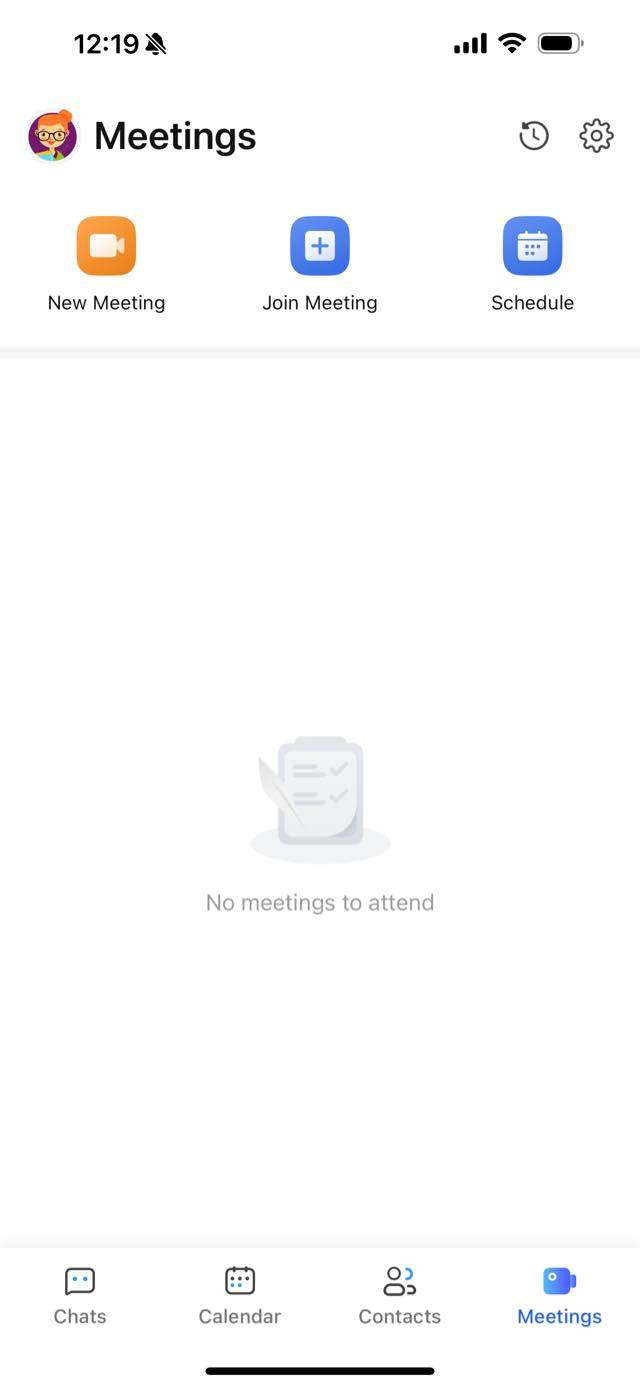
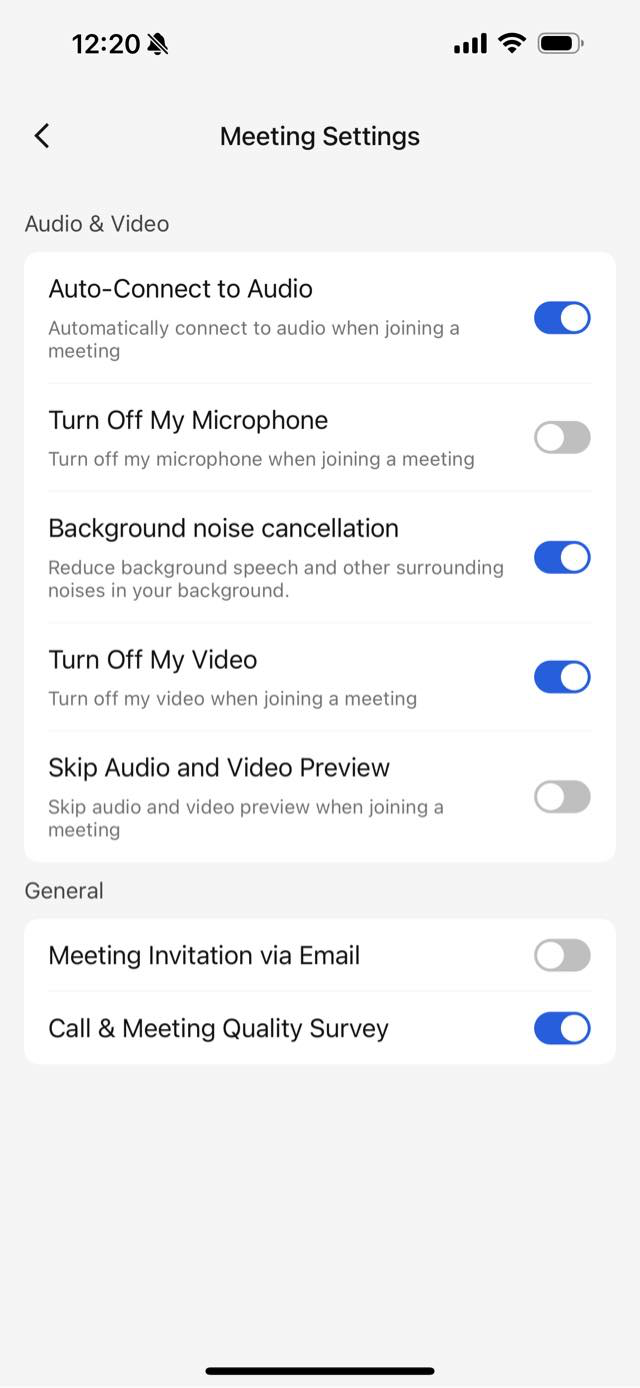
You can manage Meeting Settings outside of a meeting. Go to Meetings, and click the Settings button at upper right and access meeting settings.