Grant scheduling privilege
You can grant the meeting scheduling privilege to your contacts and let them schedule meetings on your behalf.
Prerequisites
- Available for Pro, Business, and Enterprise plan accounts
Windows and macOS
Grant Scheduling Privilege
1. Click on your profile photo at the upper right corner and go to Preferences > Meeting.
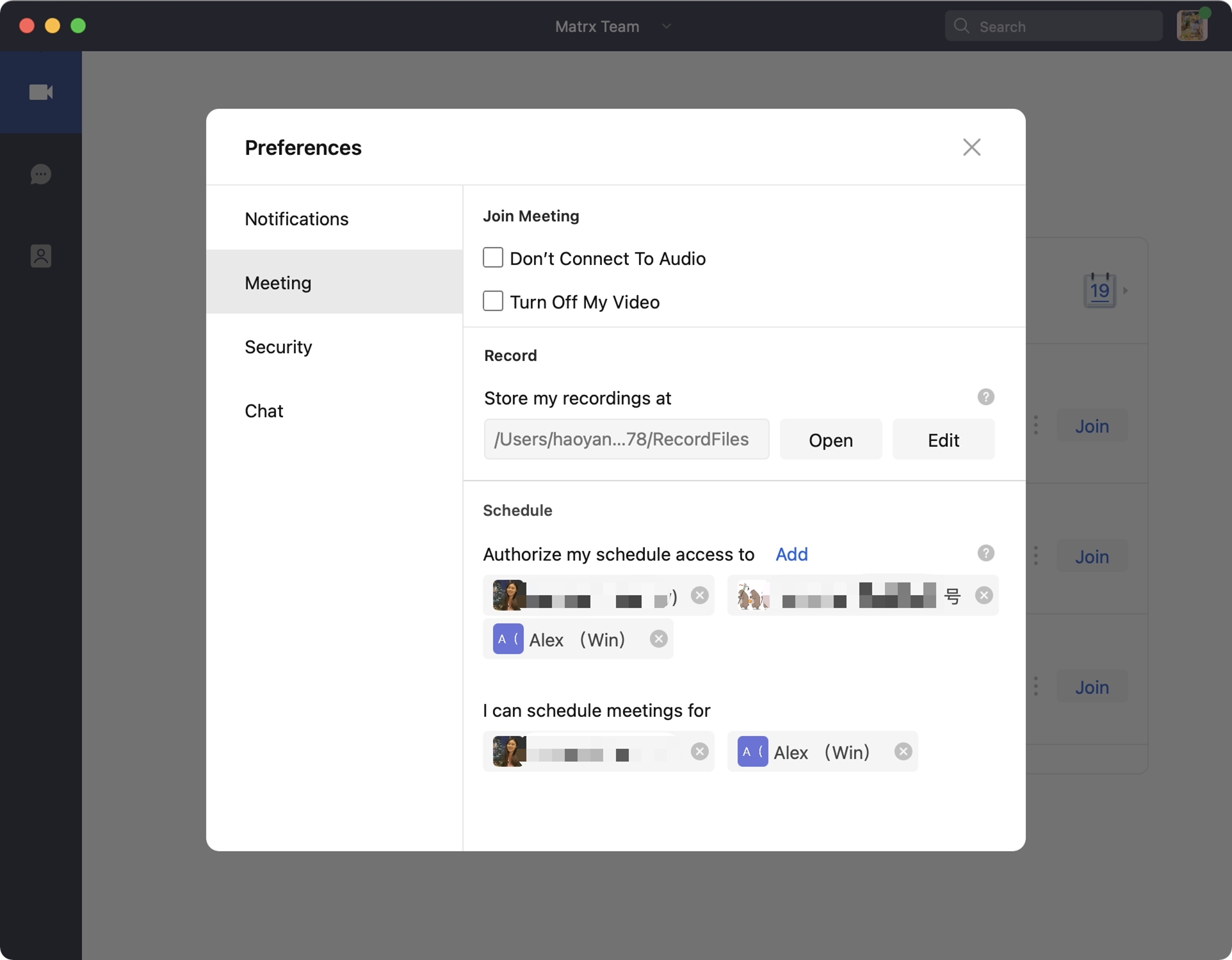
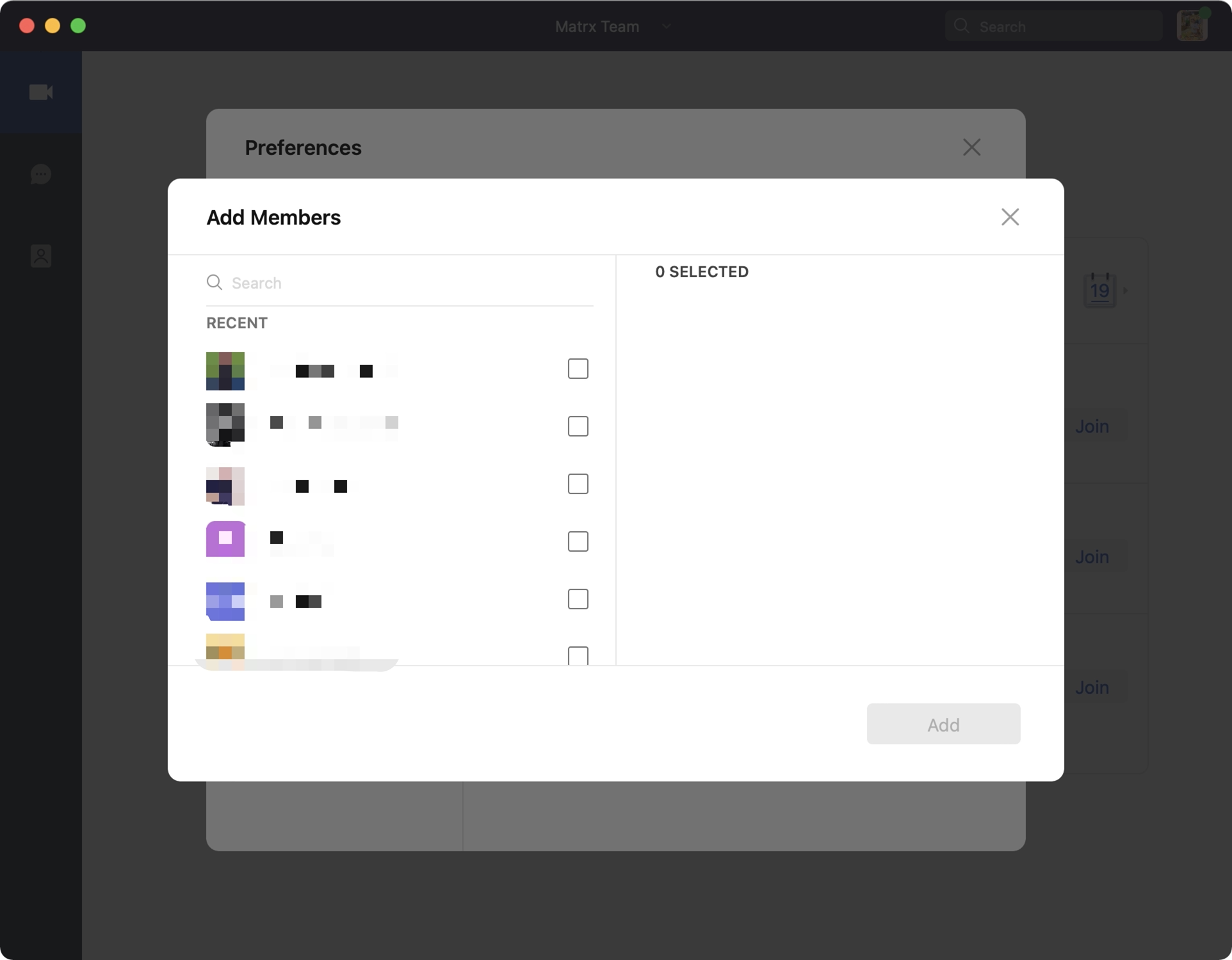
- Click the "Add" button and select contacts to grant scheduling privilege. You can select up to 5 contacts.
Remove Scheduling Privilege
-
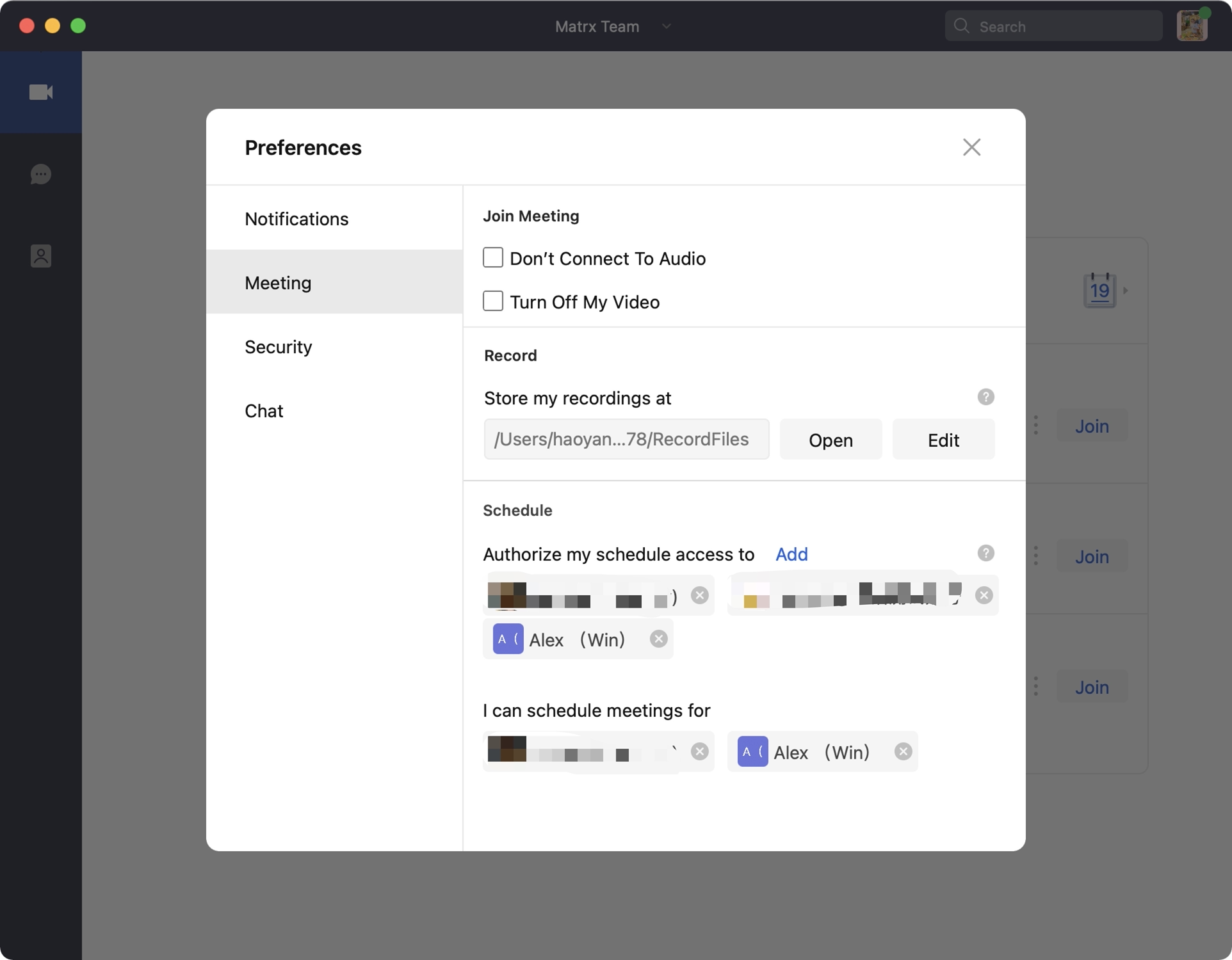
Click on your profile photo at the upper right corner and go to Preferences > Meeting.
-
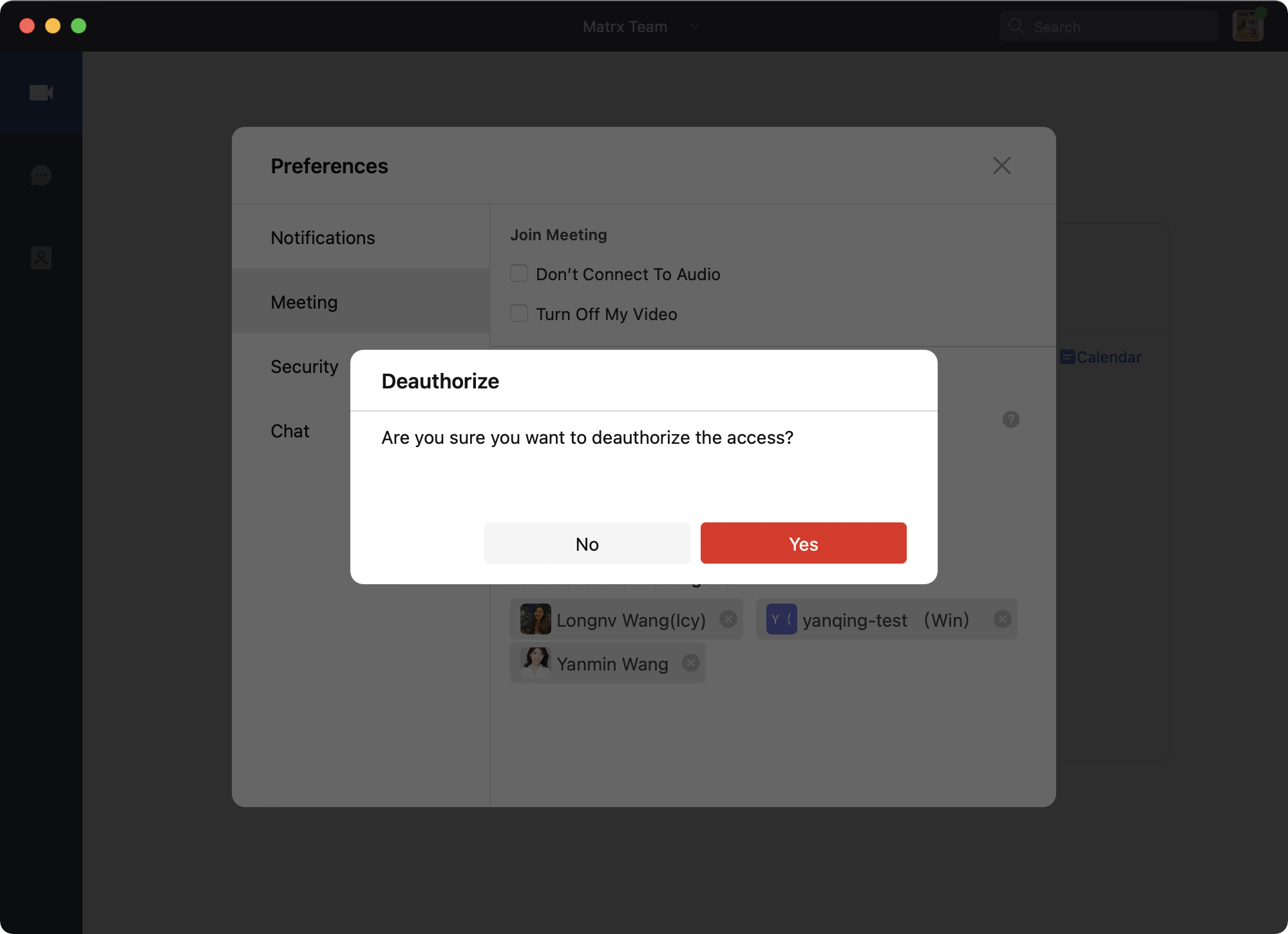
Click the cancel button following the contact's name and confirm. The contact can no longer schedule meetings for you.
Andriod/iOS
Grant Scheduling Privilege
-
Go to Settings > Preferences > Meeting.

-
Click the "Authorize my schedule access to" and select contacts to grant scheduling privilege. You can select up to 5 contacts.

Remove Scheduling Privilege
-
Click on settings and go to Preferences > Meeting.
-
Click on "Authorize my schedule access to"
 , enter the details page.
 -
For existing assistants, click on the assistant's name to delete it.