Using virtual background in Matrx meetings
The Virtual Background feature allows you to display an image as your background during a meeting, which can provide you with more privacy or a professional look in conference calls.
Windows and macOS
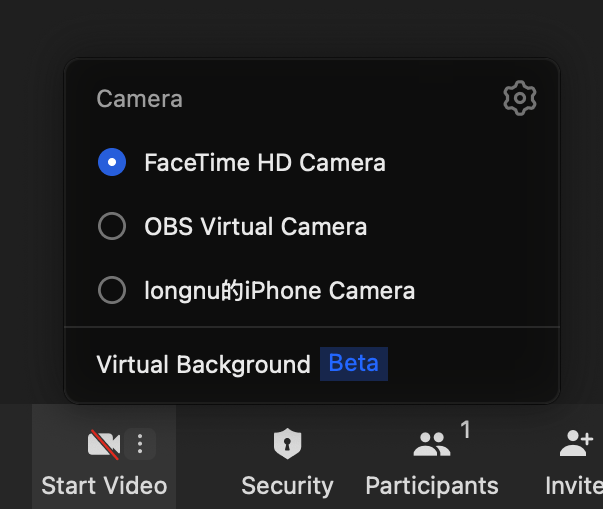
- Click the "more" button beside the "Video" icon, select Virtual background, and you can start to set up your virtual background for the meeting.
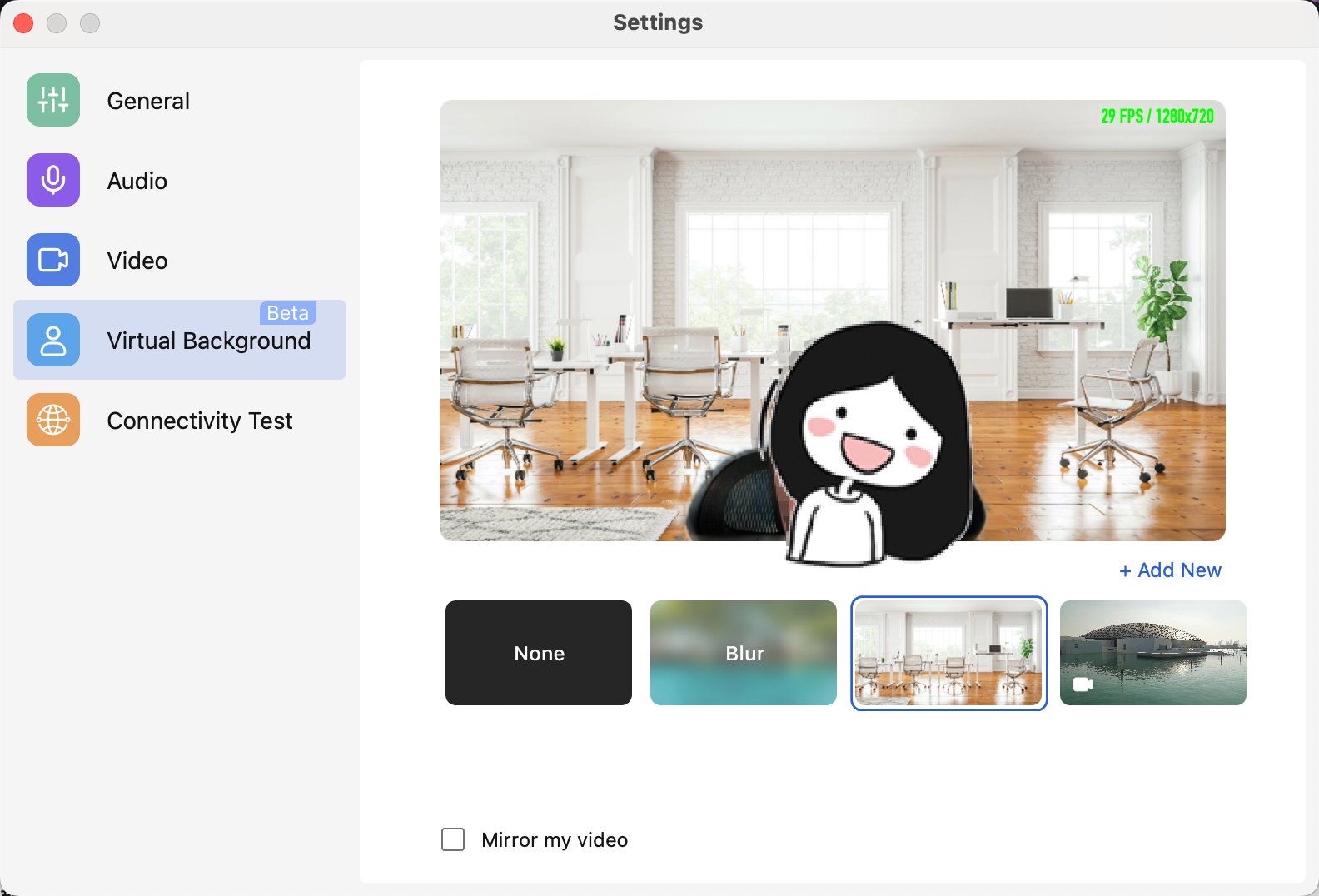
- Through the virtual background setting bar, you can select one of the images provided already as the virtual background, or you can upload the image you like by clicking the + Add New button and set it as your own virtual background. The image you selected will be applied as your virtual background automatically.
- For optimal performance, please adhere to the following specifications:
- Minimum resolution: 480 x 360 pixels
- Maximum resolution: 1920 x 1080 pixels
- Supported file formats: JPG, JPEG, PNG, MP4, MOV
- Recommended aspect ratio: 16:9 (matches most standard displays)