Share content in 1-on-1 calls
Sharing content is also available in 1-on-1 calls for both parties to engage in more effective communication.
Windows and macOS
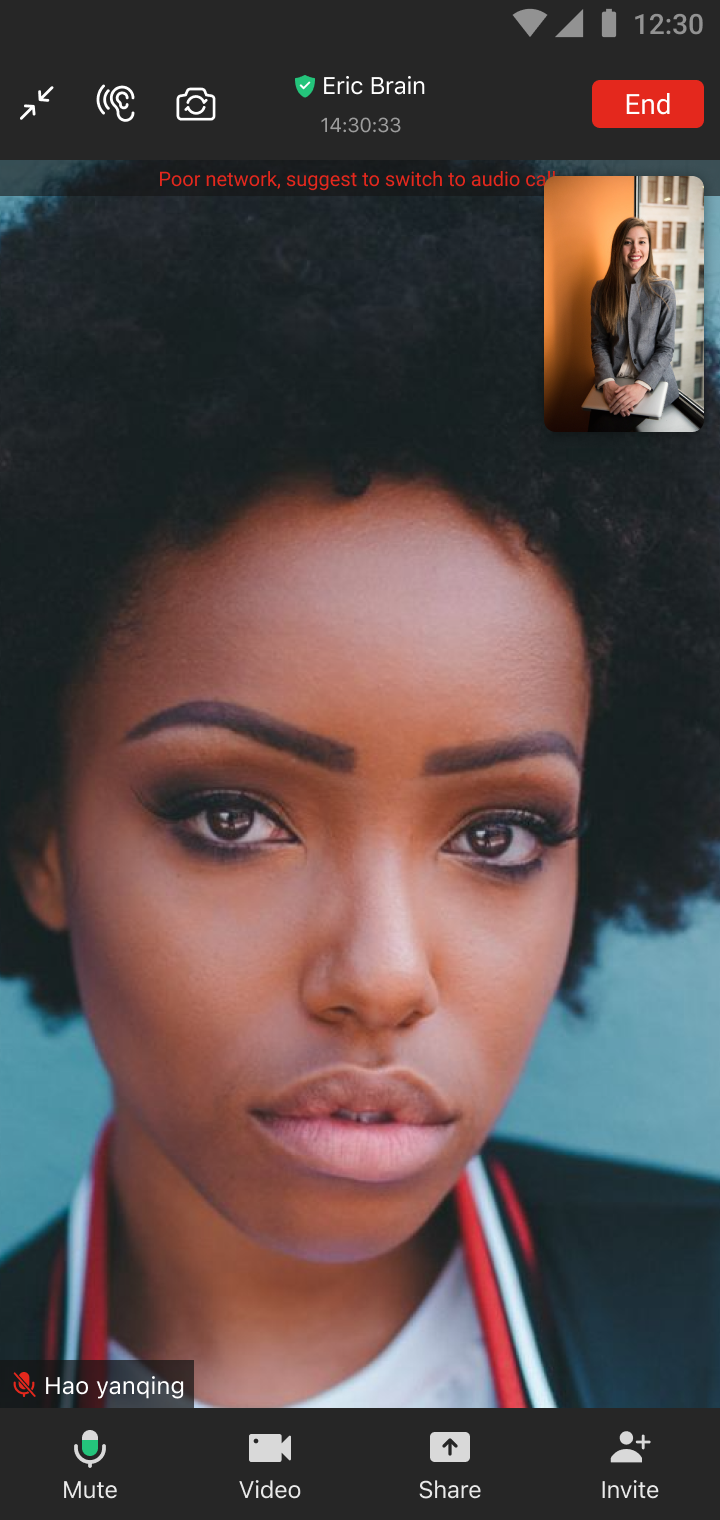
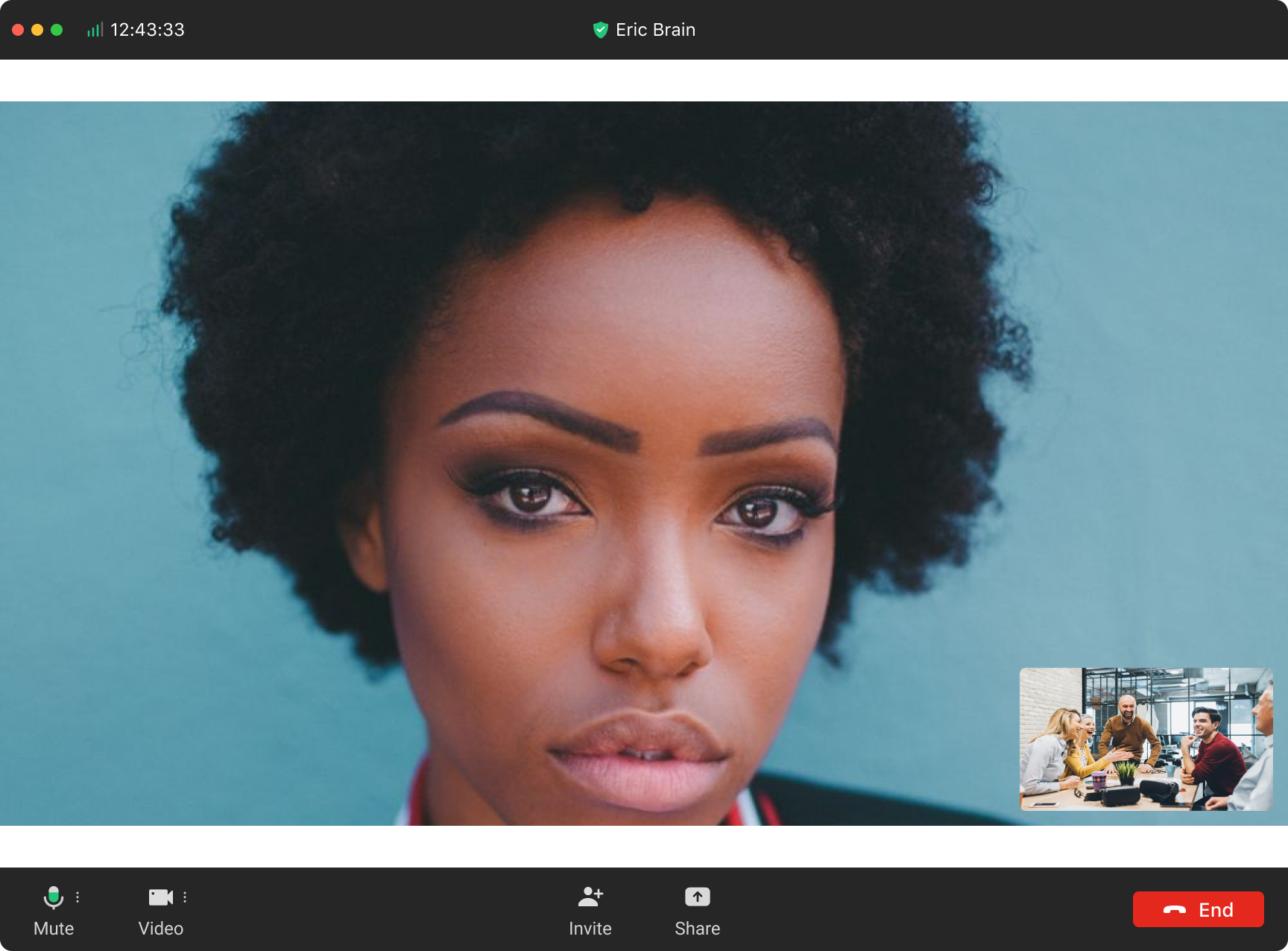
During a 1-on-1 call, either party can initiate content sharing by clicking the Share button on the toolbar. Choose what you want to share, the whole screen, or a particular program.
 Android and iOS
During a 1-on-1 call, either party can initiate content sharing by clicking the Share button on the toolbar. Choose what you want to share, the whole screen, or a particular program.
Android and iOS
During a 1-on-1 call, either party can initiate content sharing by clicking the Share button on the toolbar. Choose what you want to share, the whole screen, or a particular program.