Azure AD Data Synchronization
Matrx supports docking with the Azure AD system which could synchronize enterprise members to Matrx. It helps enterprise admins to create user accounts and manage the users at the admin portal in a more efficient and effortless way.
Prerequisites
- This is a customized feature and is available for Enterprise accounts only
- Microsoft Azure AD admin access
- Super admin or admin role at the Matrx admin portal
Getting Started
- Sign in to the Matrx admin portal.
- In the navigation menu, unfold System Setting and click Data Synchronization.
Synchronize User Information from Azure AD to Matrx
1. Click the Manage button.
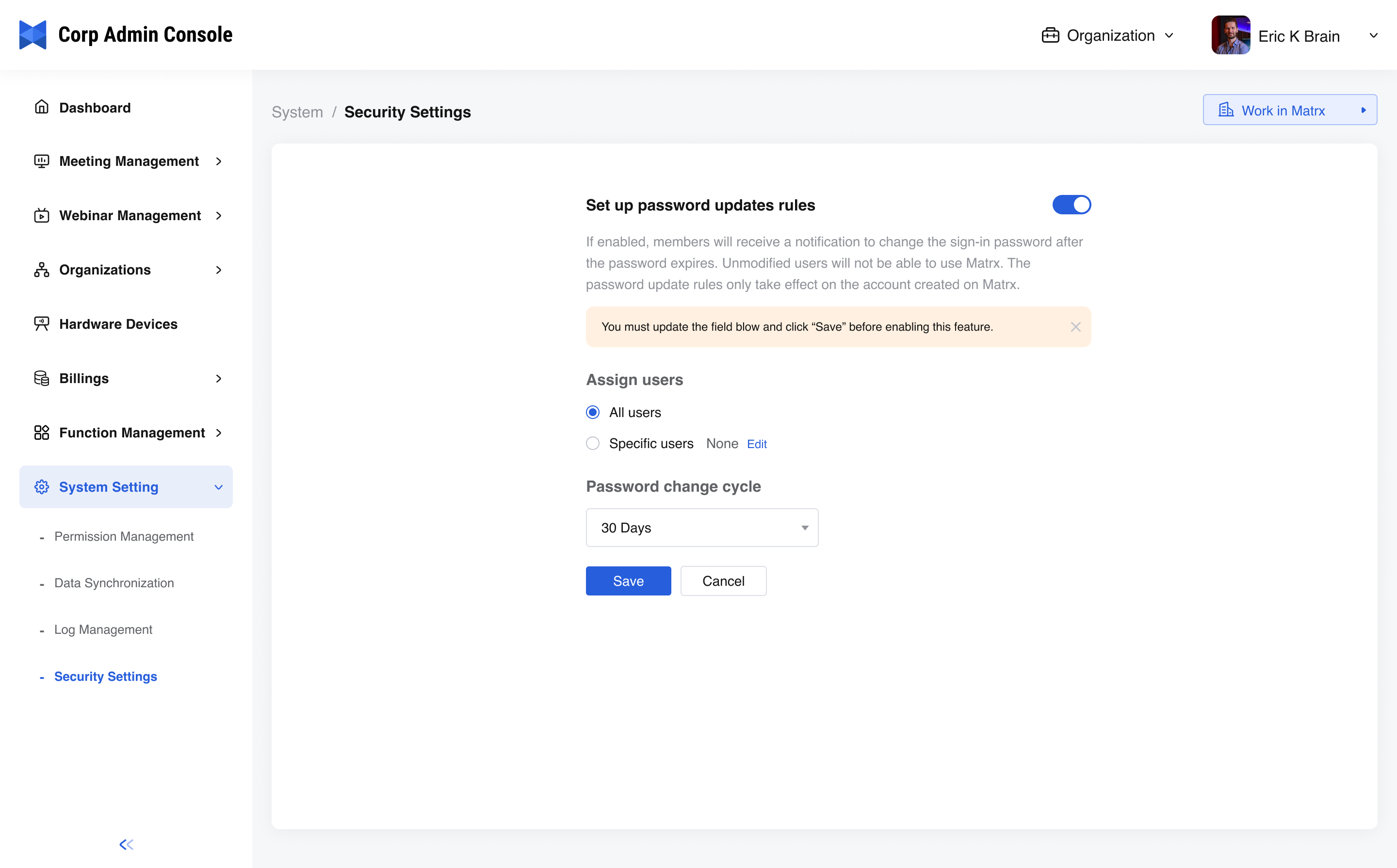
- Click Start Synchronization.
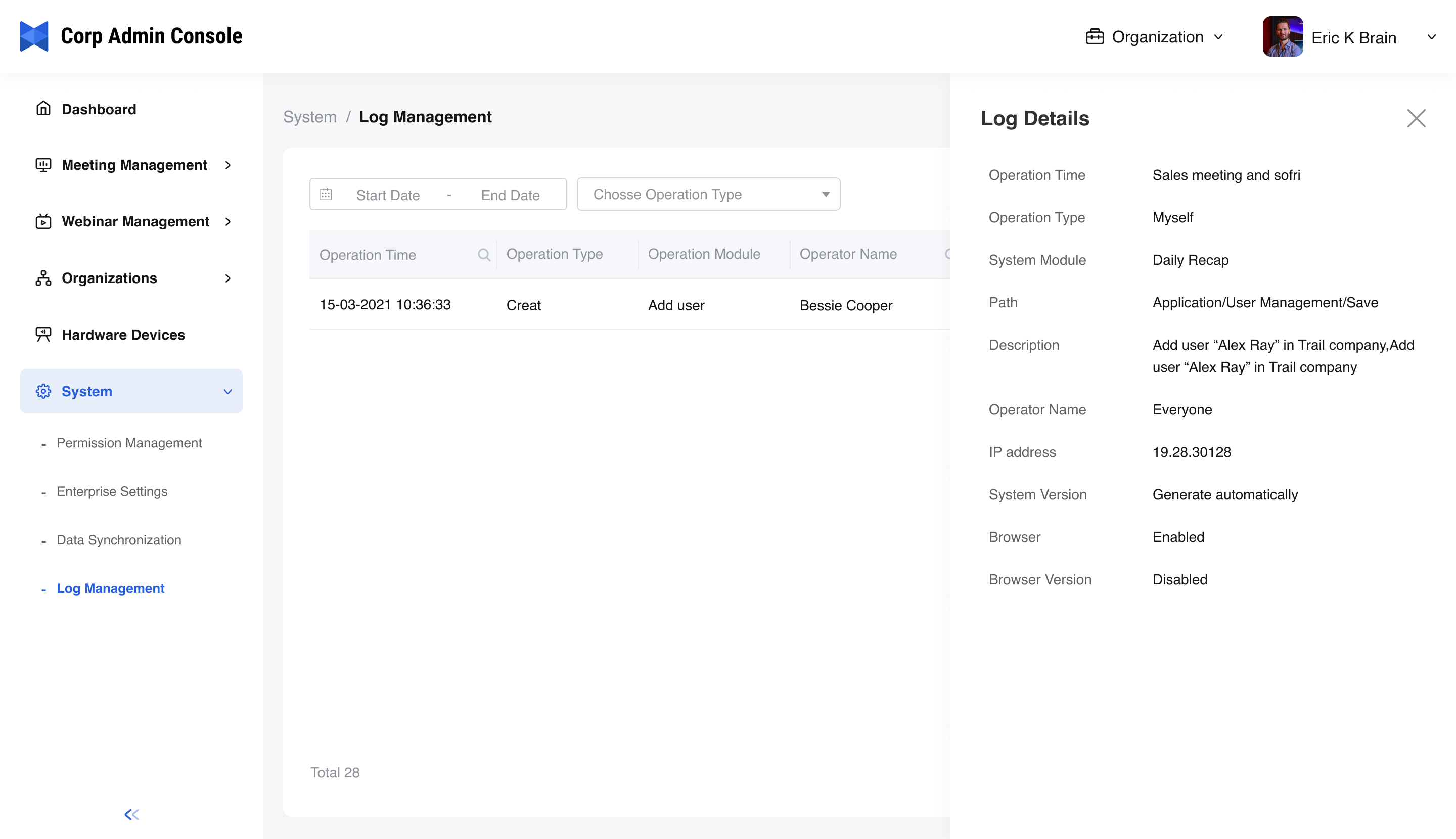
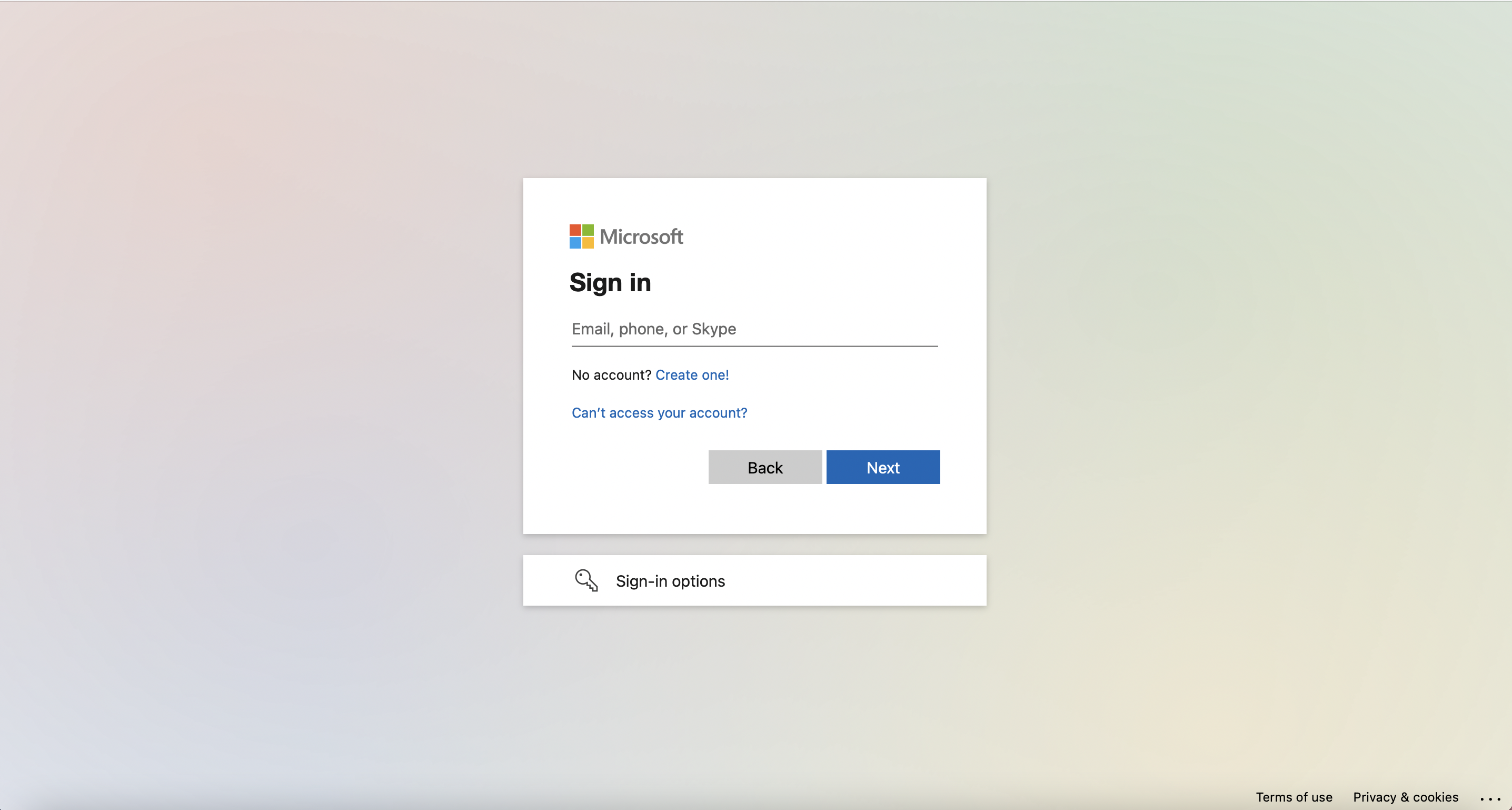
- Enter your Microsoft admin accountand clickNext.
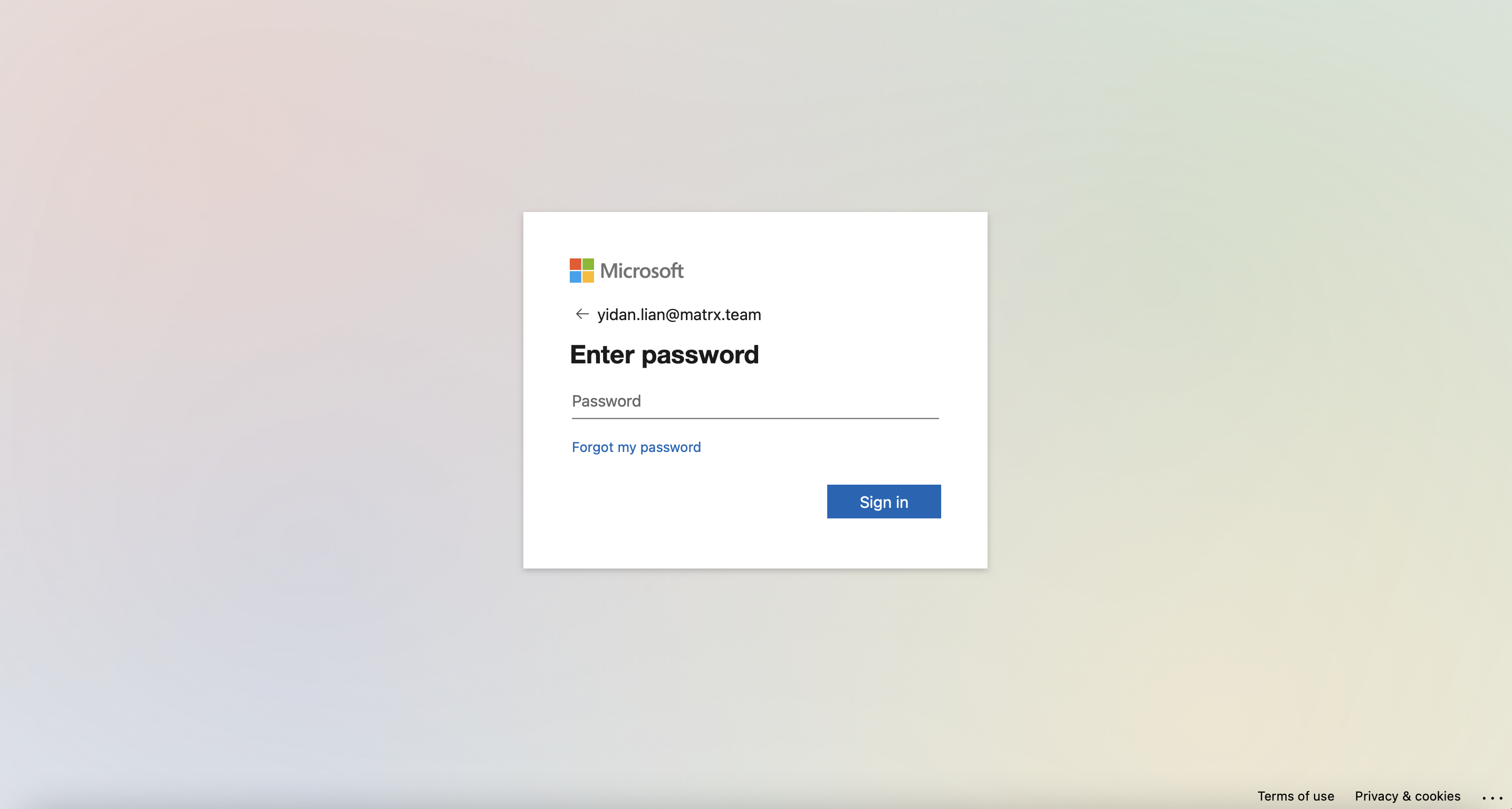
- Enter your Microsoft passwordand click Sign in.
- Reconfirm Azure AD info and Click Confirm & Sync Now.
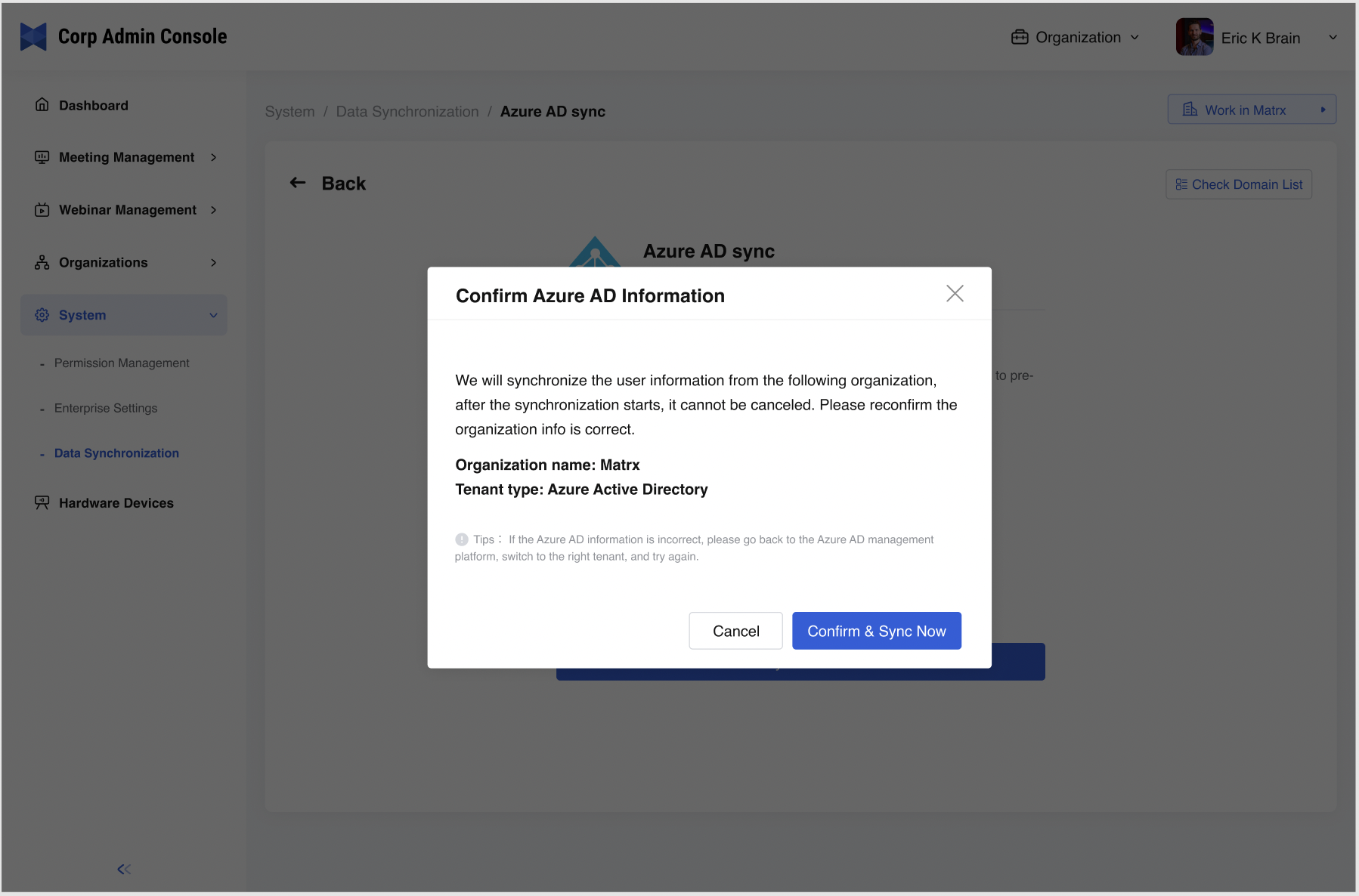
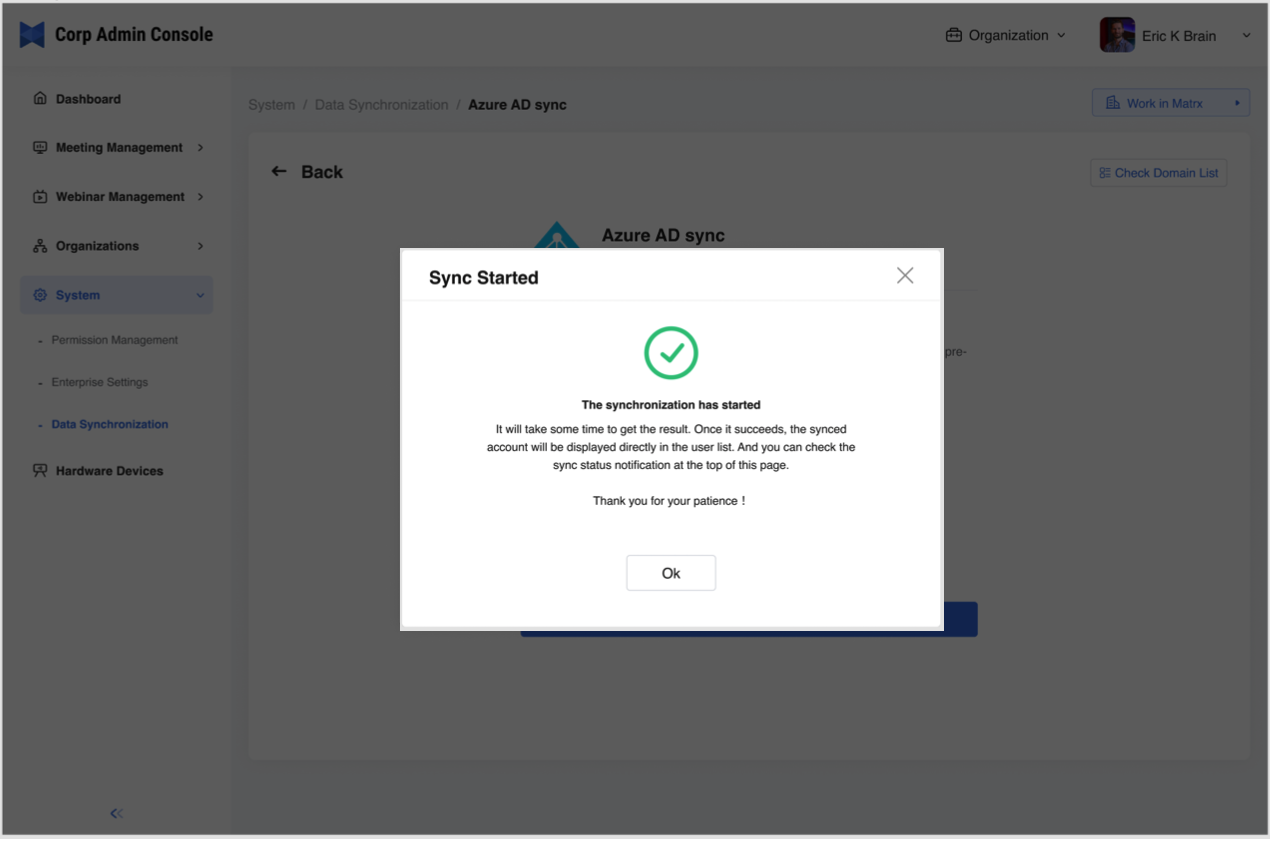
- The system starts to synchronize and it would take some time. Click OK.
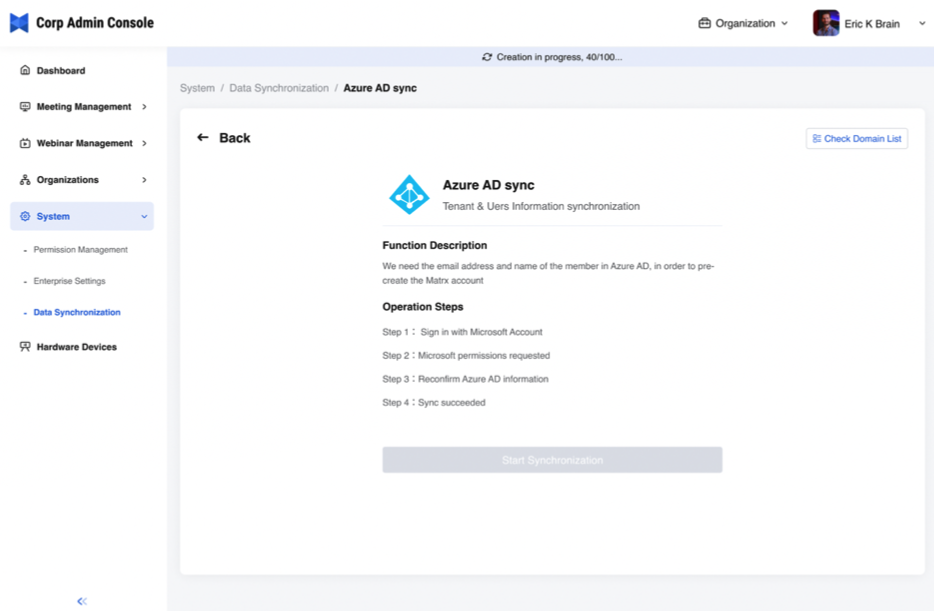
- The page returns to the synchronization page and prompts the synchronization status.
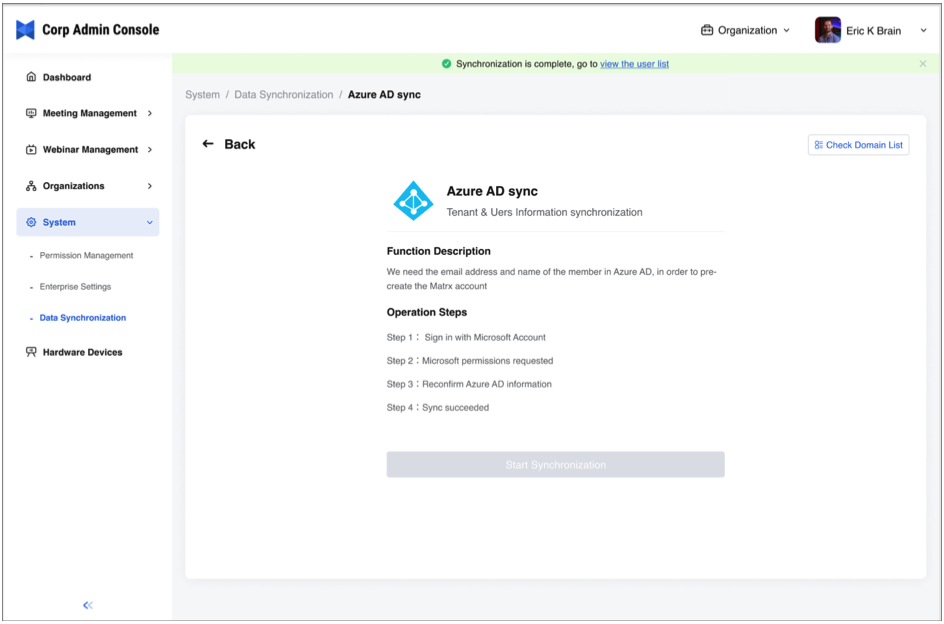
- After the synchronization is completed, you can click the prompt to view the user list. Also, the enterprise employees can use SSO to sign into Matrx with their Microsoft accounts now.