Set up the Maximum User Limit of Subsidiaries
Matrx enables the super admin of the organization to allocate the number of accounts for its subsidiaries. By setting the maximum user limit of the subsidiaries, the super admin can limit the number of users in the subsidiaries within a reasonable range.
This article covers:
Prerequisites
- Business, or Enterprise plan
- Super admin access at the top organization only
Getting Started
- Sign in to the Matrx admin portal.
- In the navigation menu, unfold Organization. Click Enterprise Management.
Set up the Maximum User Limit
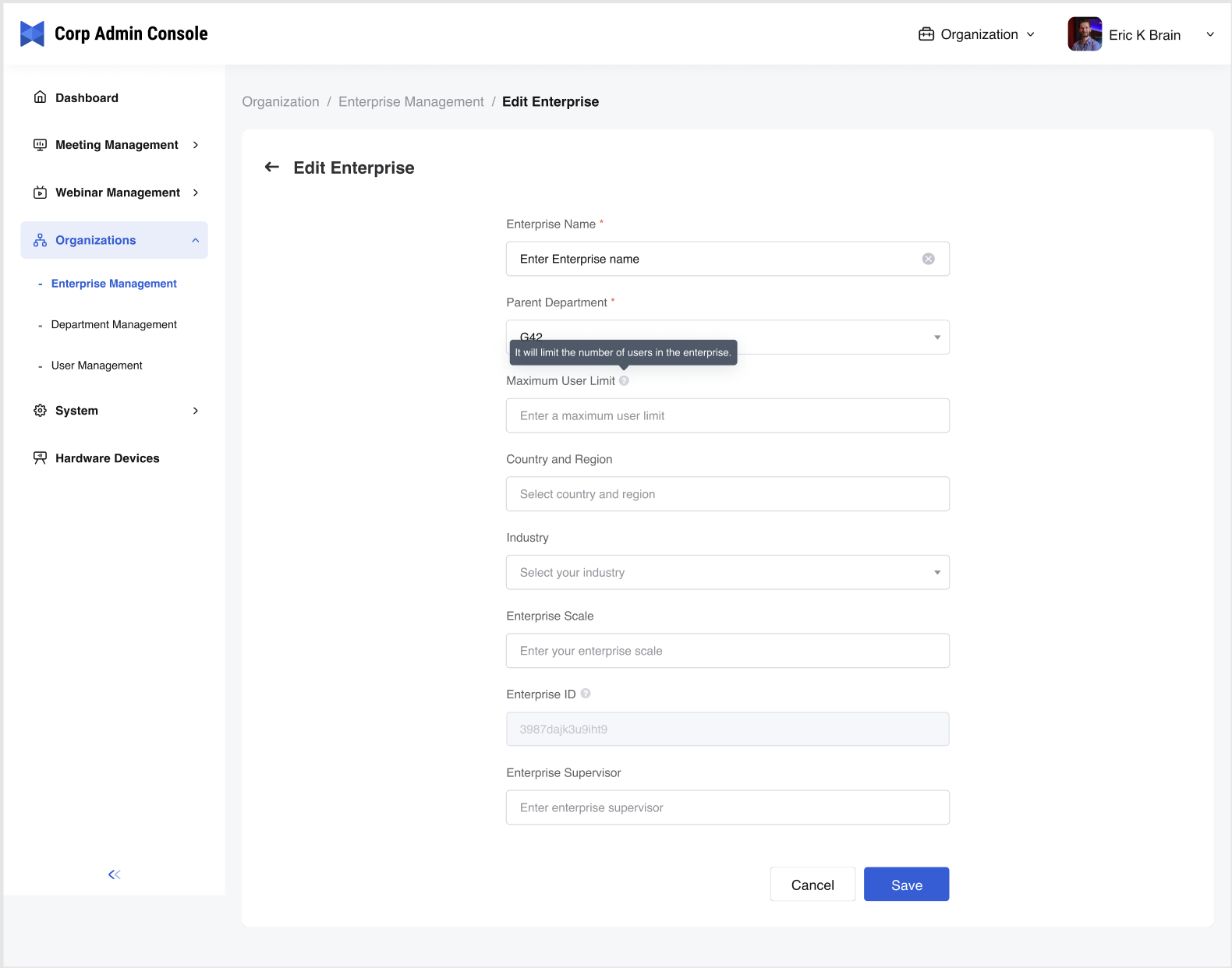
- Click Edit to edit the information of a subsidiary.
- Fill in the maximum user limit of the subsidiary.
- Note:
- The sum of the maximum user limit of each subsidiary cannot be greater than the total number of accounts the organization purchased.
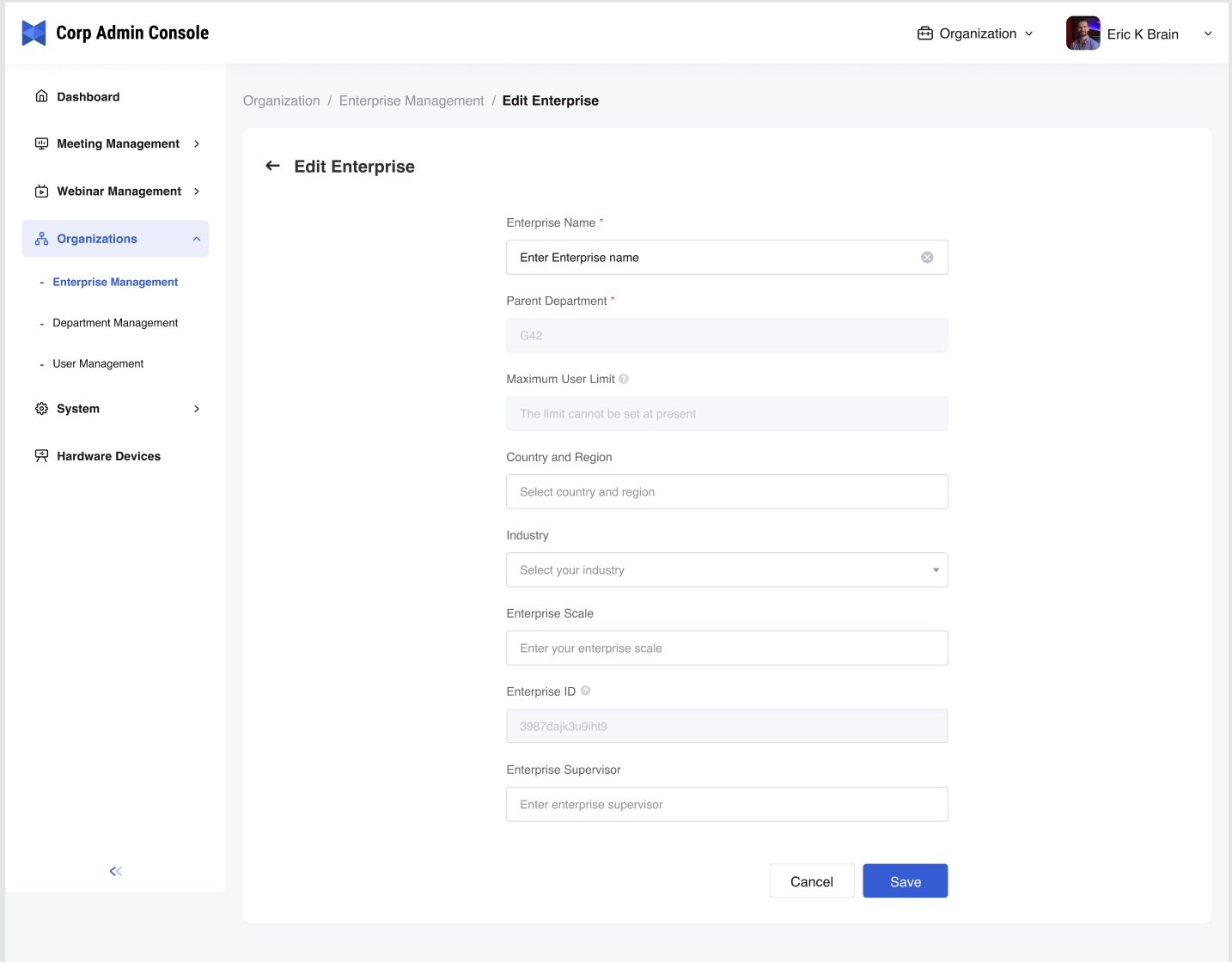
- If the prompt tells you that the maximum user limit cannot be set, it can be solved by reducing the number.
- Note:
- Click Save to submit the changes and return to the Enterprise Management page.