Login to Admin Portal
If you're assigned as the administrator of your enterprise in the Admin Portal, you can sign into the Admin Portal to manage meetings and organization depending on the permissions you have.
Prerequisites
- Business or Enterprise plan
- Admin role and relevant permissions
Sign in with Email Address or Phone Number
-
Open the Matrx official website www.matrx.io with your browser and Click the Sign In button.

-
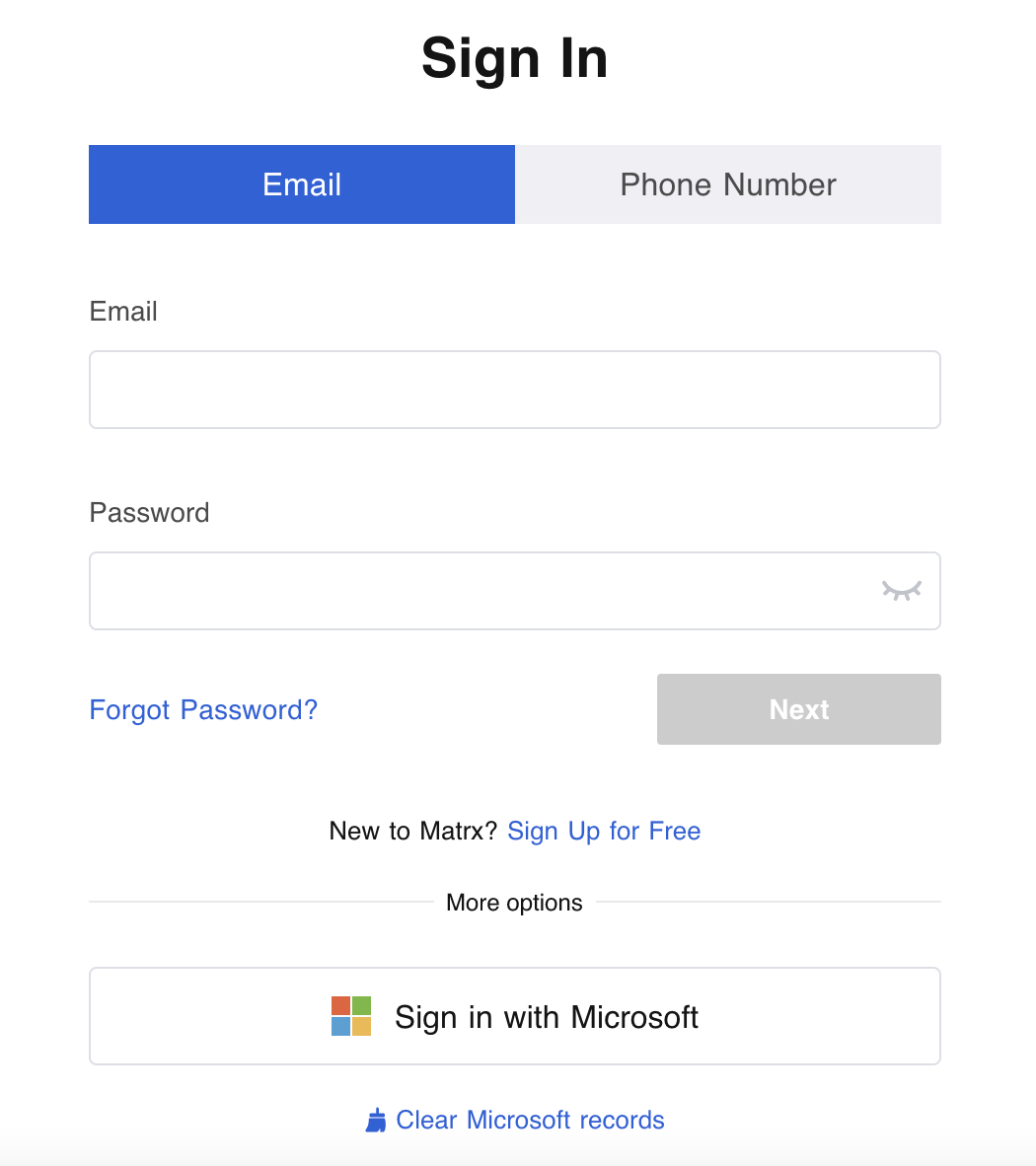
Enter your email address or phone number that's registered in Matrx and then the password, and click Next.
Sign in with Microsoft Account
- Click Sign in with Microsoft at the Sign In page.
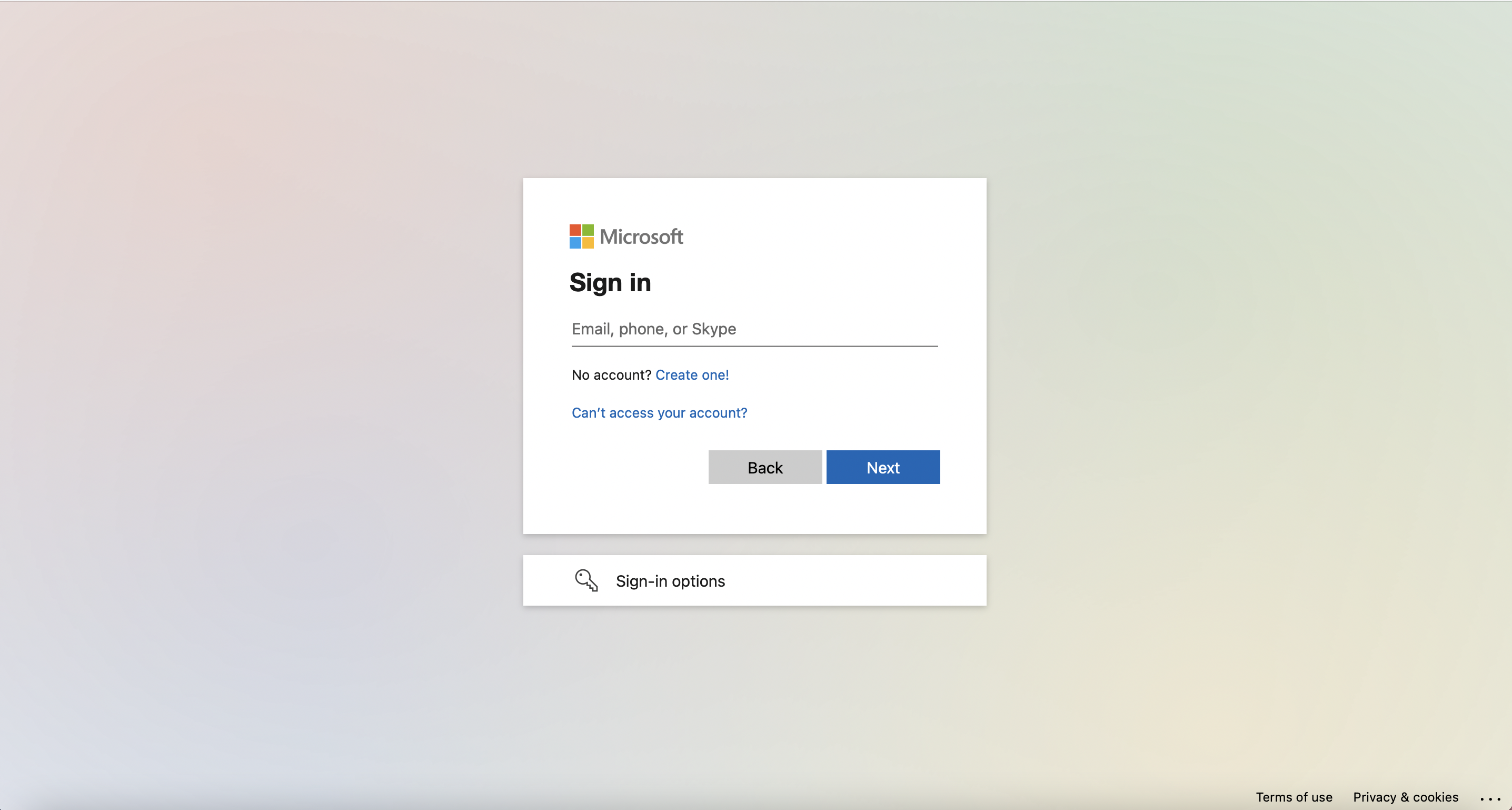
2. Enter your Microsoft accountand clickNext.
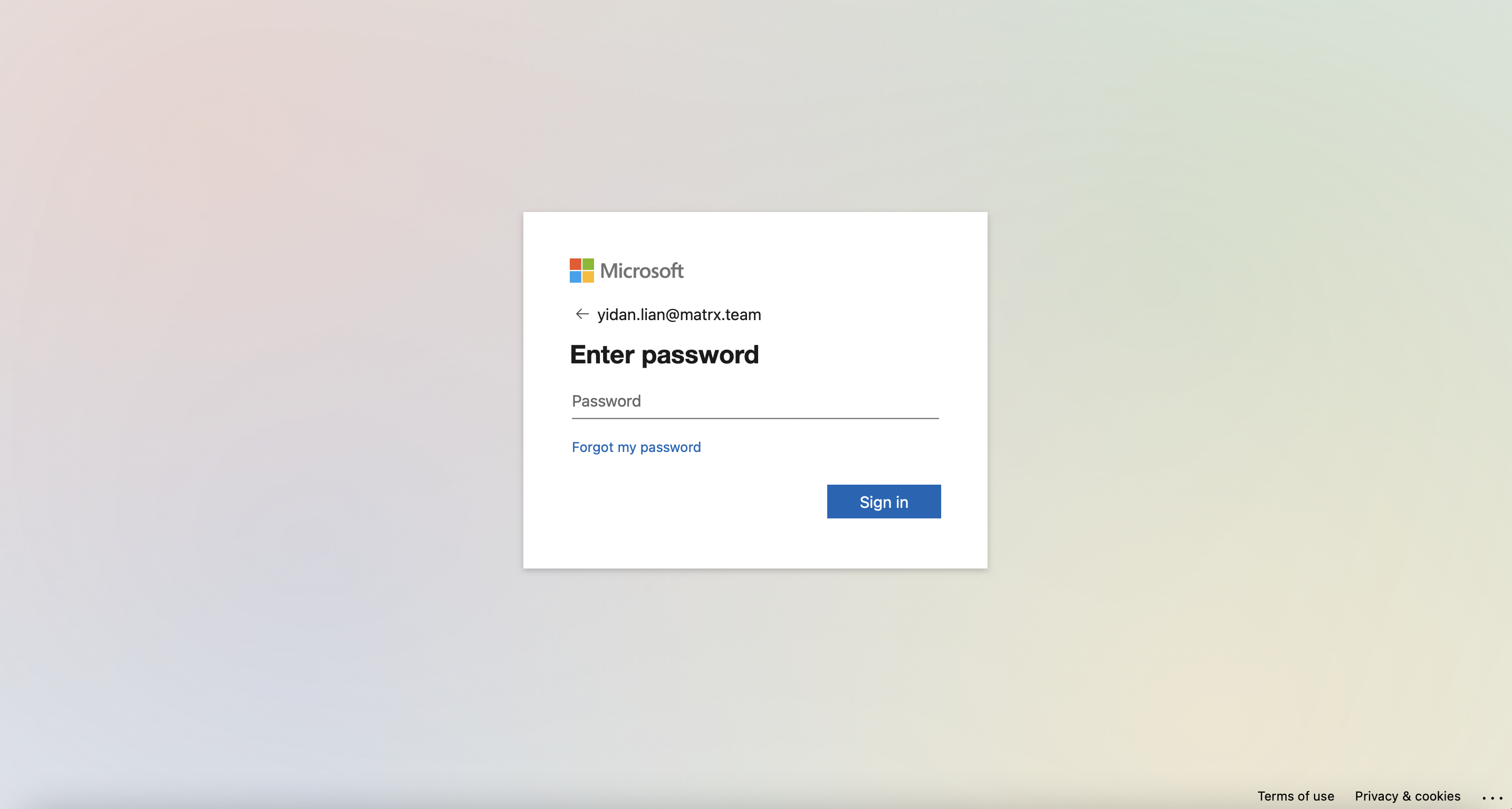
- Enter your Microsoft passwordand click Sign in.