Function management
Matrx allows some features to be enabled or disabled for all users or selected users at the enterprise level by the admins.
Prerequisites
- Business or Enterprise plan
- Super Admin or Admin access
Getting Started
- Sign in to the Matrx admin portal.
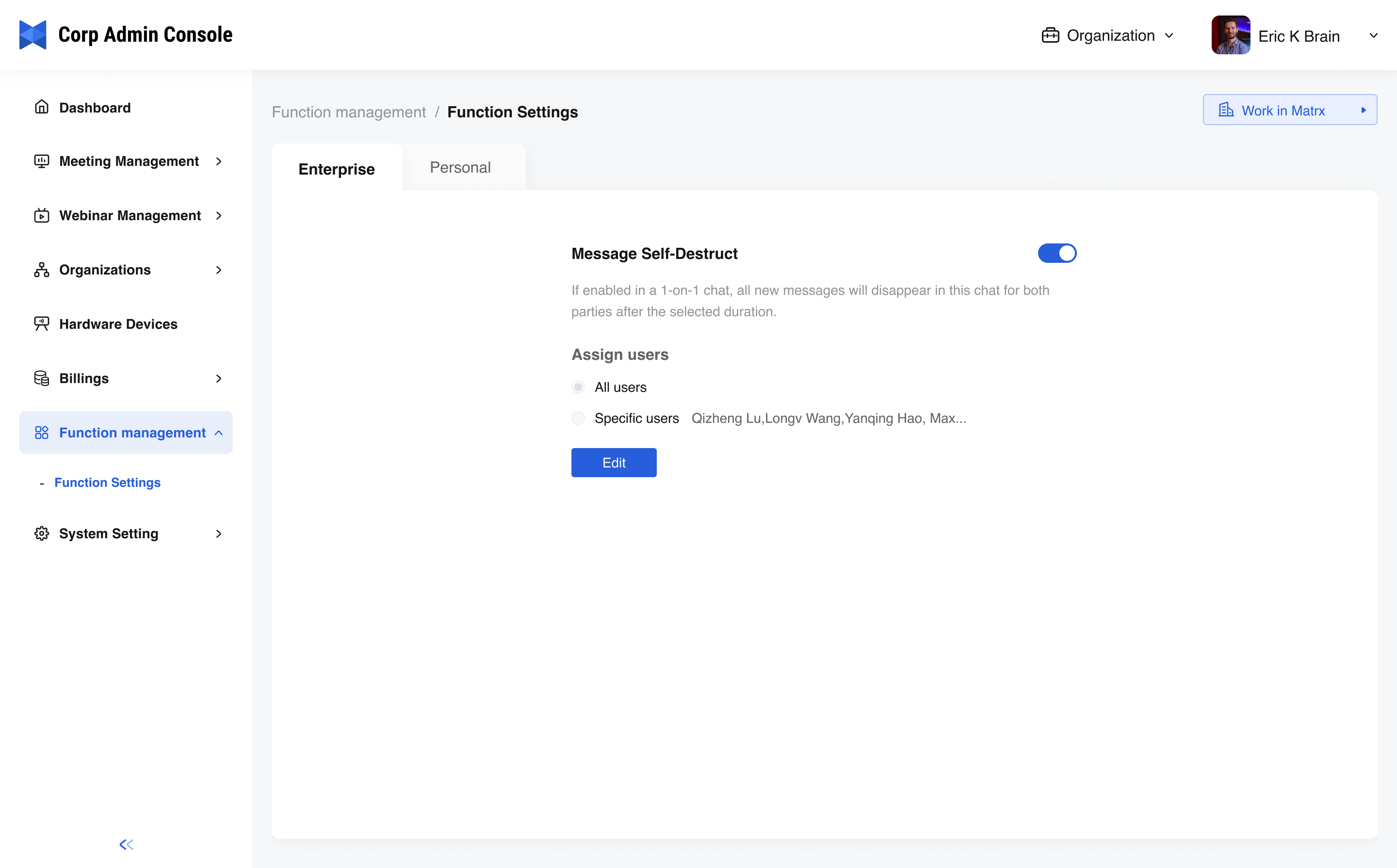
- In the navigation menu, unfold Function managementand click Function Setting.
Enable or Disable Functions
Admins can allow or disallow the users to access a function in the enterprise workspace or their personal spaces. If the admin would like to do that to the enterprise workspace, then go to the Enterprise tab to manage the function; otherwise, go to the Personal space tab. the personal space of the current members in the enterprise will take effect. If members are among multiple enterprises, the effective content is configuration content against the default configuration.
-
Switch the function on or off - Usually, the switch is turned on by default, which means the user can access the function as long as it’s available in Matrx. Switch it off if you would like it to be disabled.
-
Assign users - By assigning the users, the admin can decide who can or cannot use the function.
- All uses - All members of the enterprise
- Specific users- Admin can select from the member list of the enterprise and decide who can or cannot use the function.