Sign out
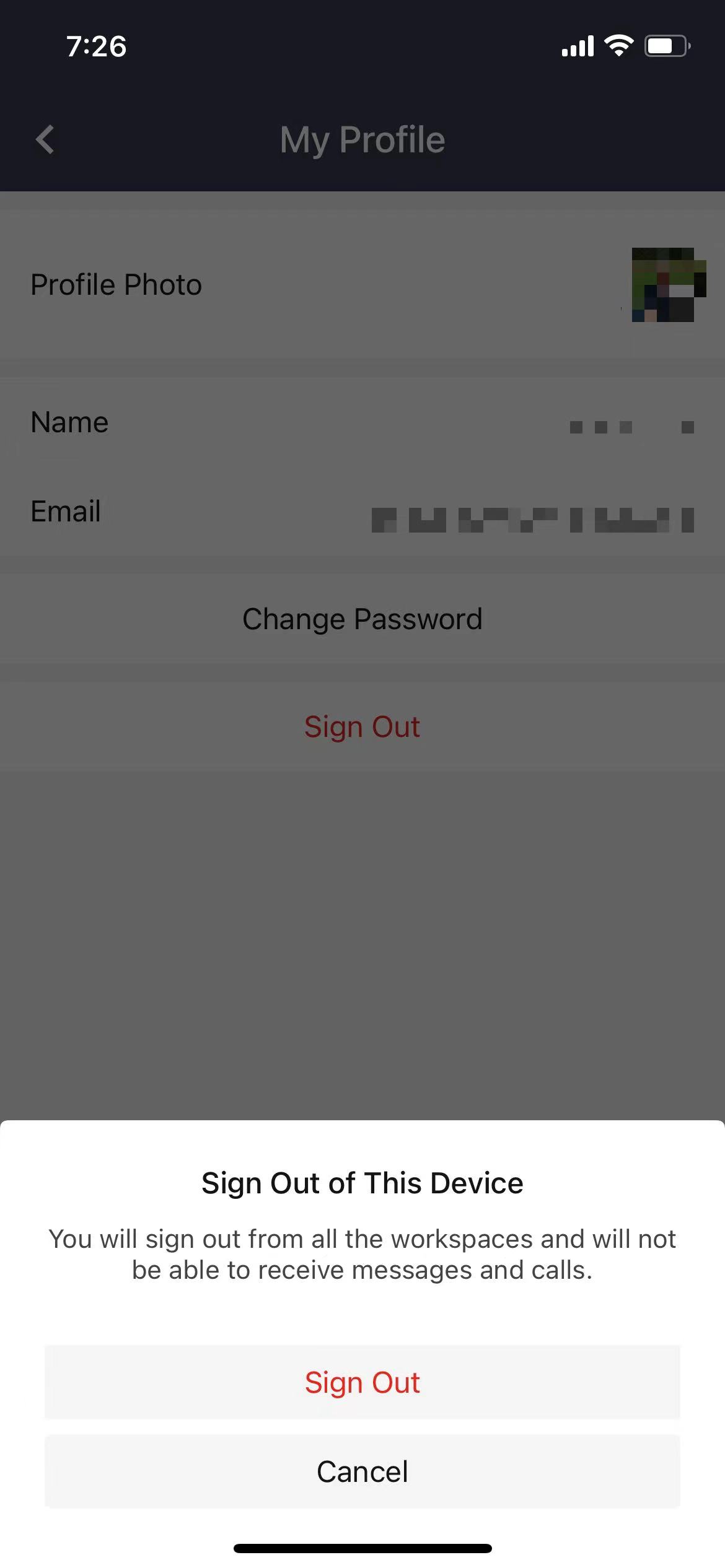
You can sign out from Matrx which will sign you out from all the workspaces and you'll not be able to receive messages or calls.
Windows and macOS
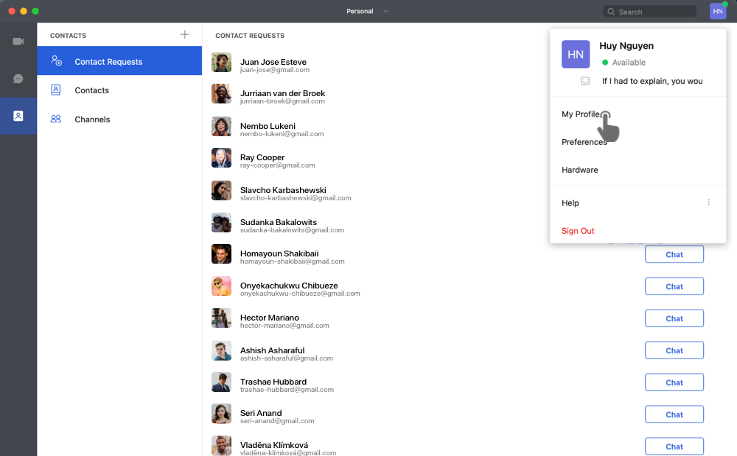
- Click on the profile photo at the upper right corner and click on Sign Out.
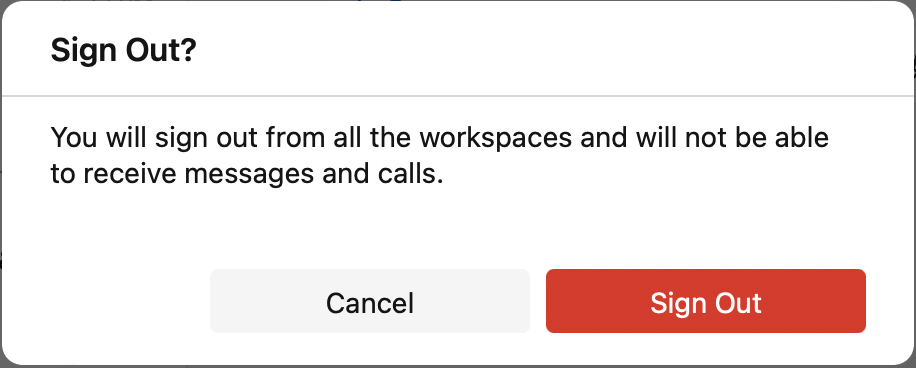
- If you are sure that you want to sign out, click on the Sign Out button on the pop-up window.
Android and iOS
- Tap the Settings button at the lower right corner.
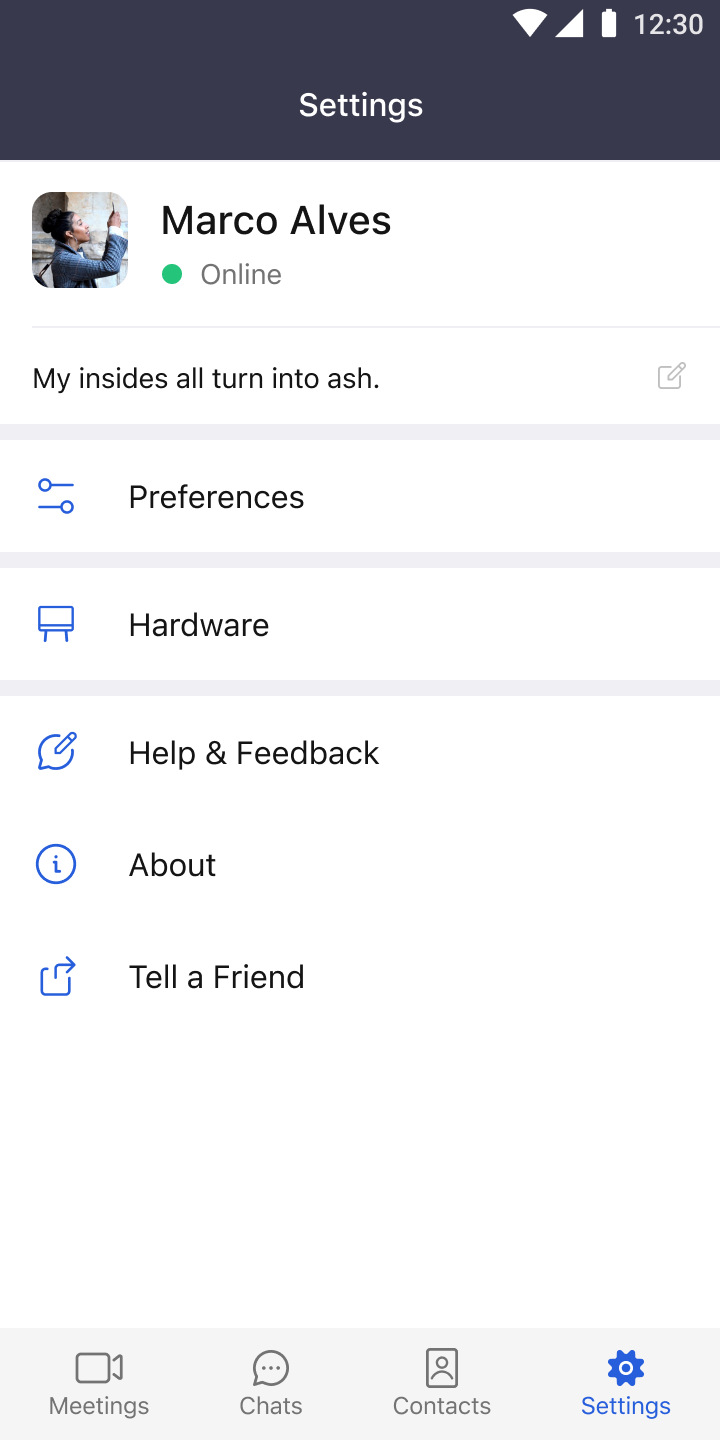
- Tap your username to enter the My Profile page and then tap Sign Out.
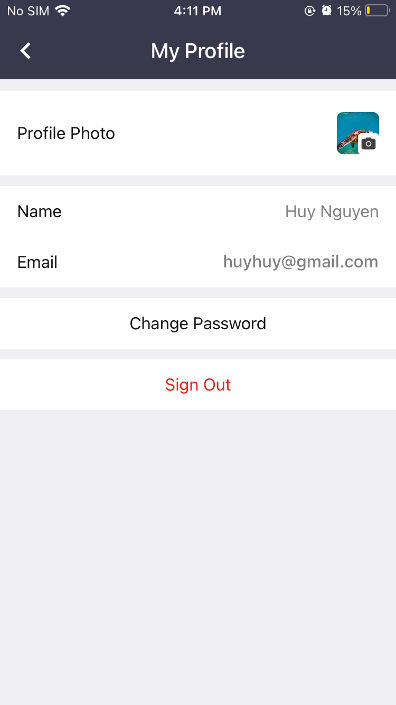
3. If you are sure that you want to sign out, tap the Sign Out button on the pop-up window.