Update your status
You can update your status on Matrx to show others what you're up to or any important messages you'd like to convey.
Windows and macOS
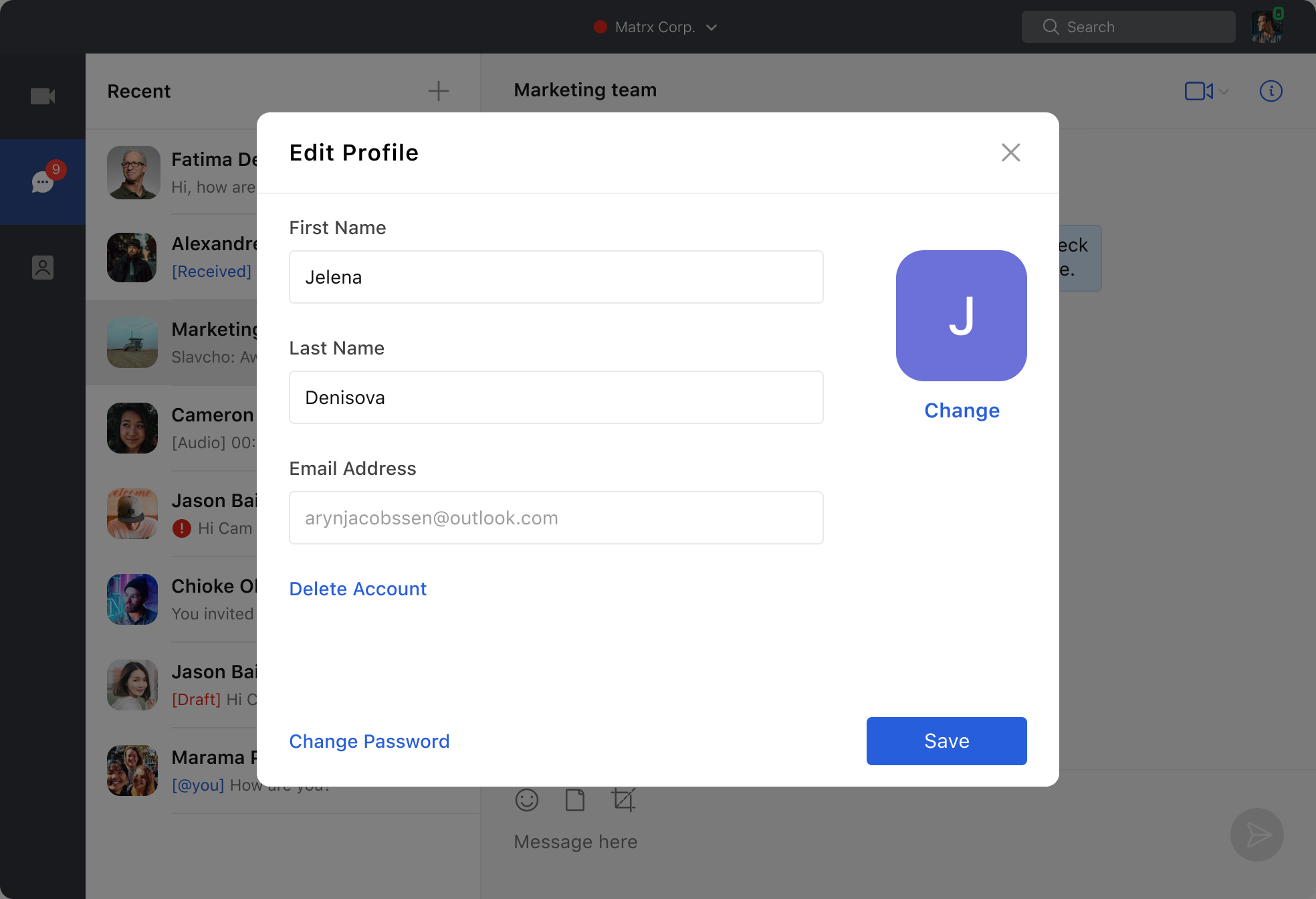
Click the profile photo at the upper right corner to open the account settings list. Click "Update your status" and input words or emojis. Your contacts will see your status when checking your profile info.
Android and iOS
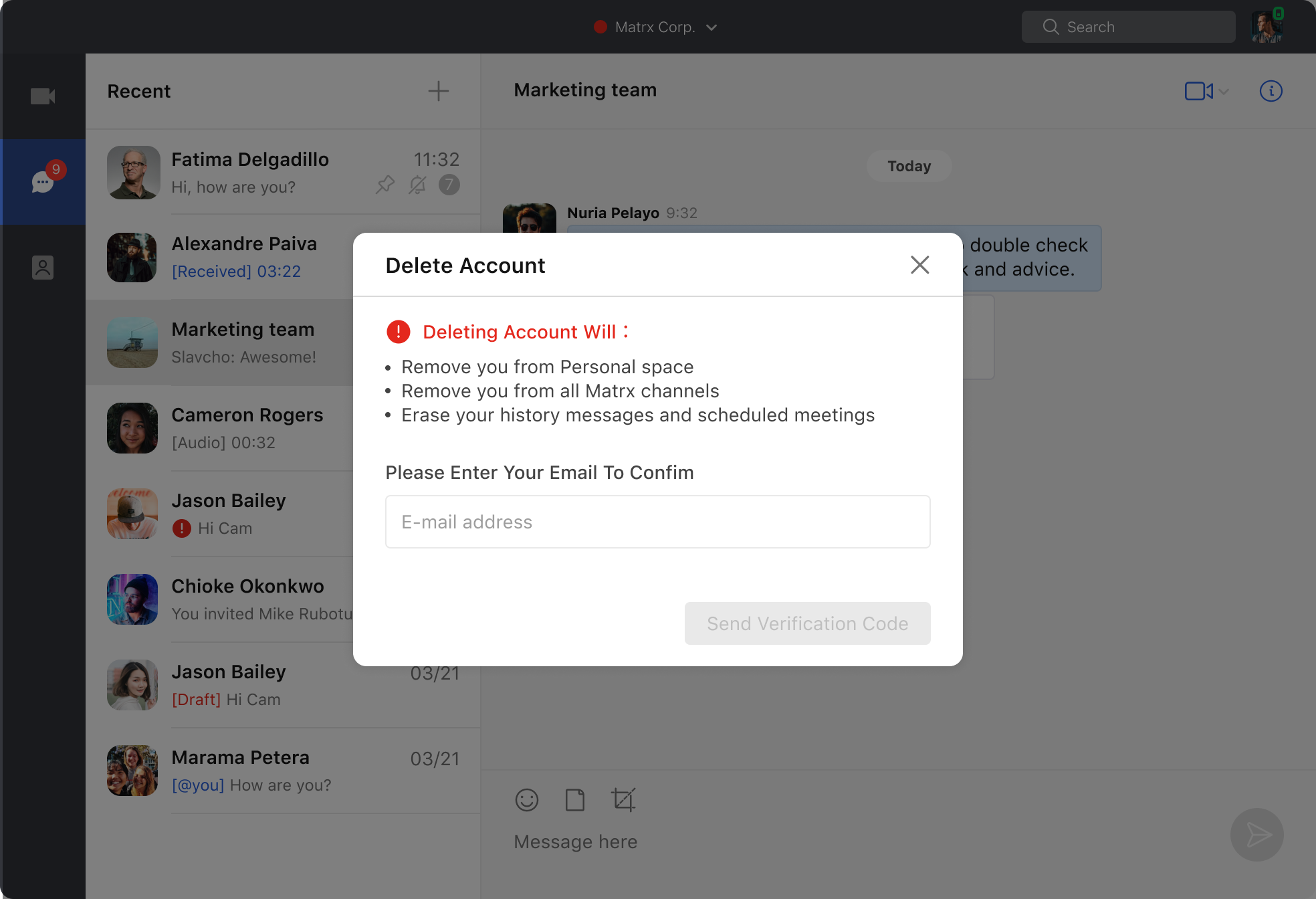
Go to Settings and tap 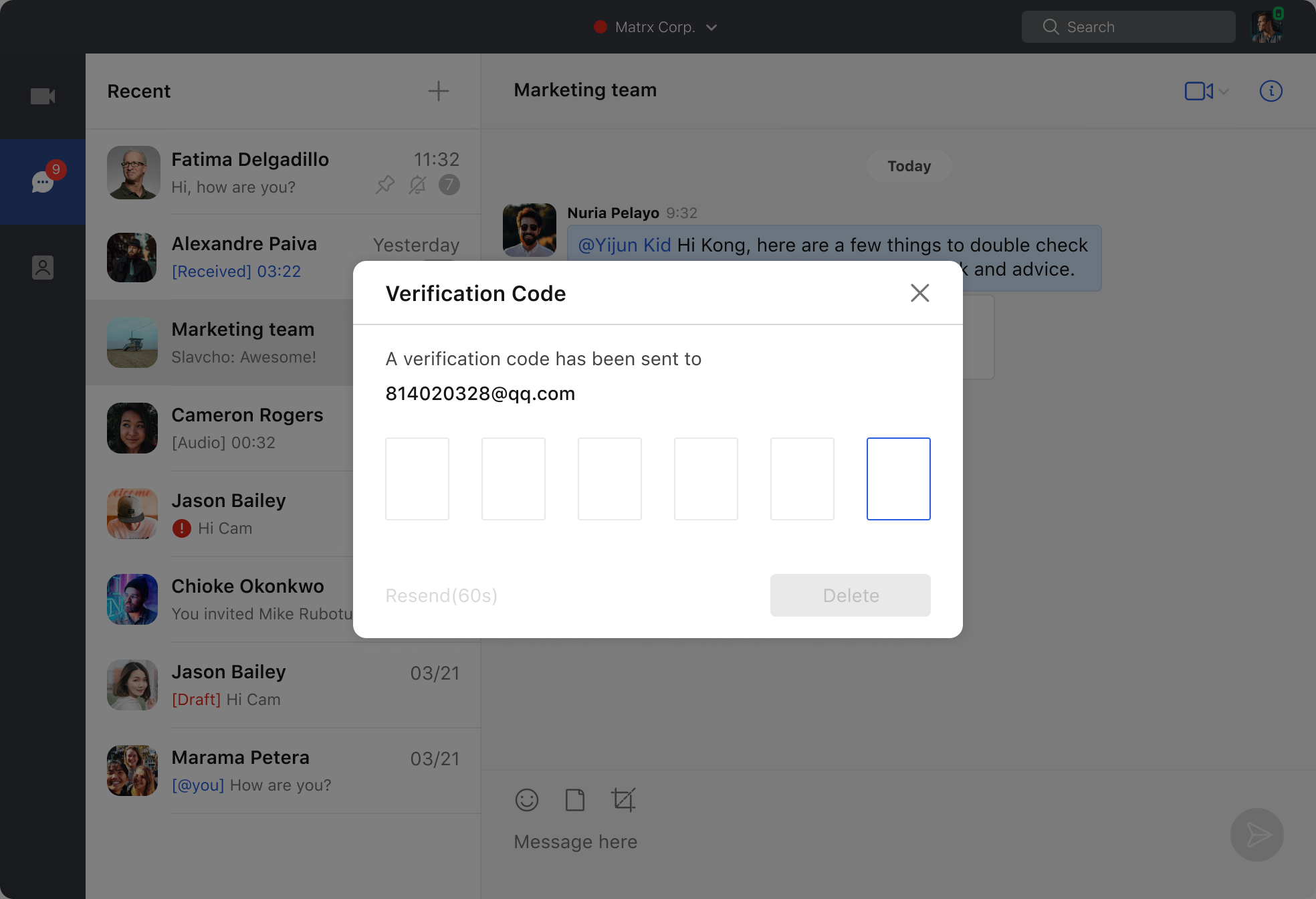 the pencil icon. Input words or emojis, tap the Save button, and your status is updated. Your contacts will see your status when checking your profile info.