1 Join Enterprise
To start collaboration with colleagues in an enterprise in Matrx, you first need to join the enterprise.
Usually, you will receive an email after the enterprise administrator invites you to join the enterprise.
Check Enterprise Invitation
- Check your email inbox and find the invitation email.

- Click JOIN NOW button in the email. Then you’ll be redirect to Matrx website in browser.
Join Enterprise
- On the redirect page, input your name (this will be the name shown in the enterpirse) and click Join button.

- Join successfully. Then you can click Launch button to open Matrx.
If you are new to Matrx, or you haven’t download or instal Matrx, then you may need to Matrx Download Center to download and install Matrx
If you need help on this, please go to Download and Install Matrx

Switch to Enterprise Workspace on Matrx
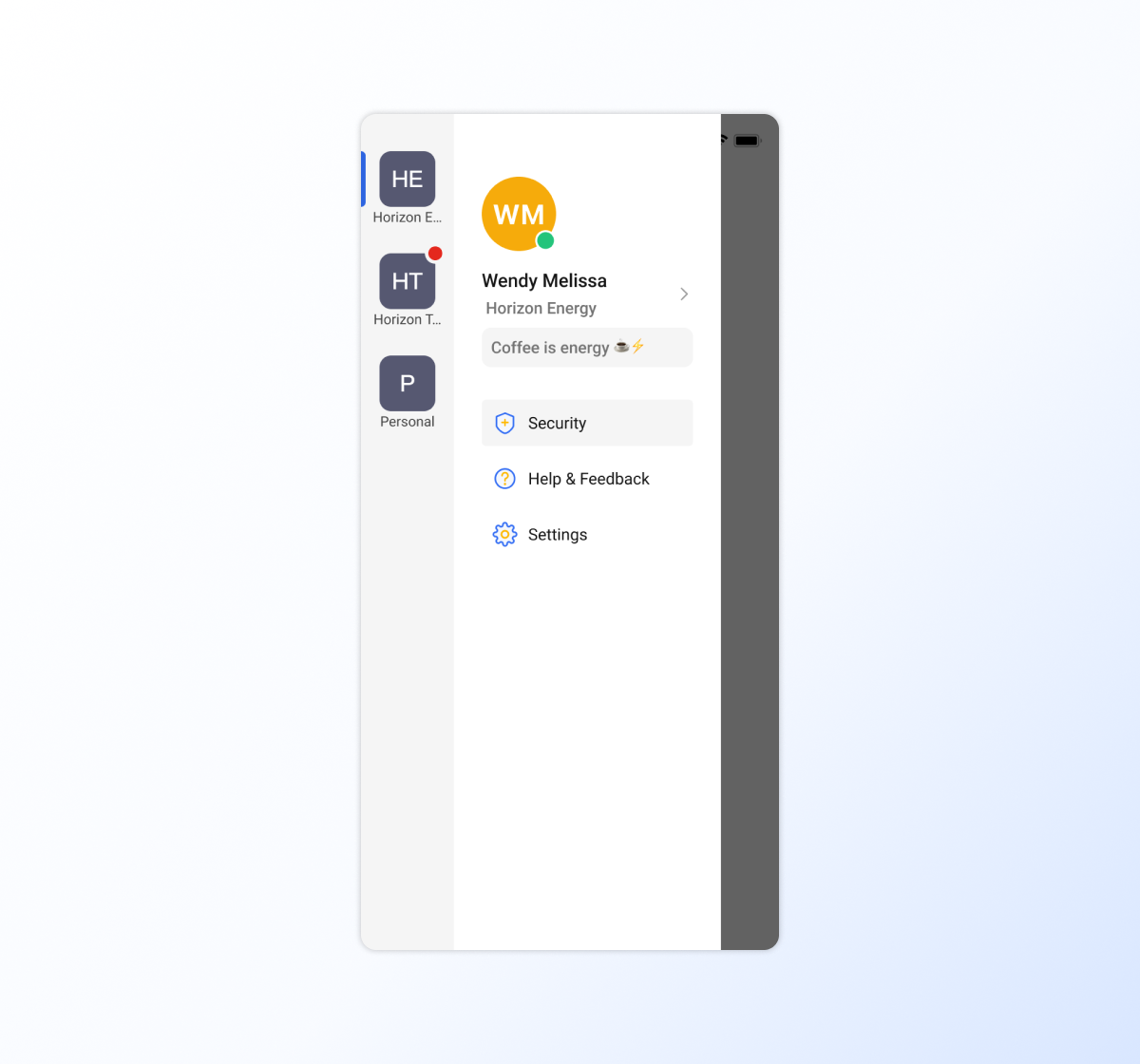
After successfully joined the enterprise. The workspace you joined will show on the bottom left. You can switch to it by selecting that space.
Switch enterpirses on Matrx desktop
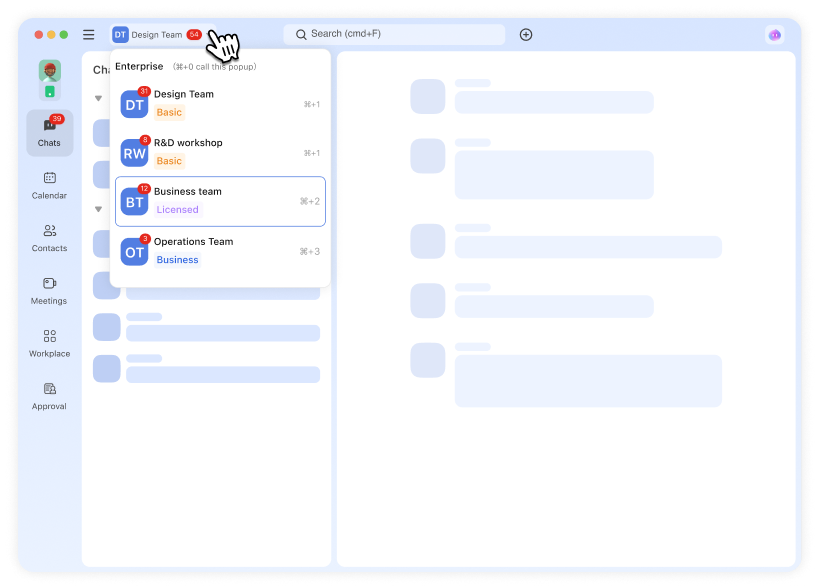
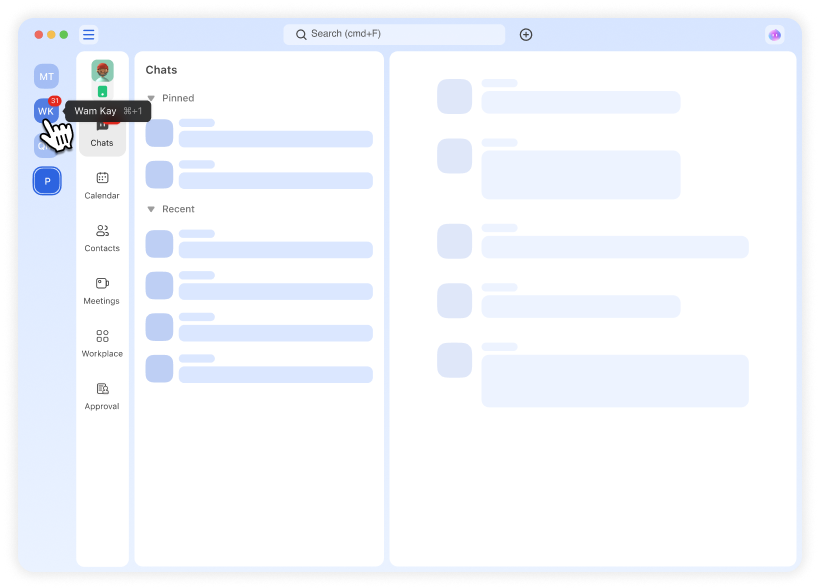
There are two switching modes (top navigation and left sidebar) available to suit different preferences.
- Switch enterprises from top navigation
- Switch enterprises from left sidebar.
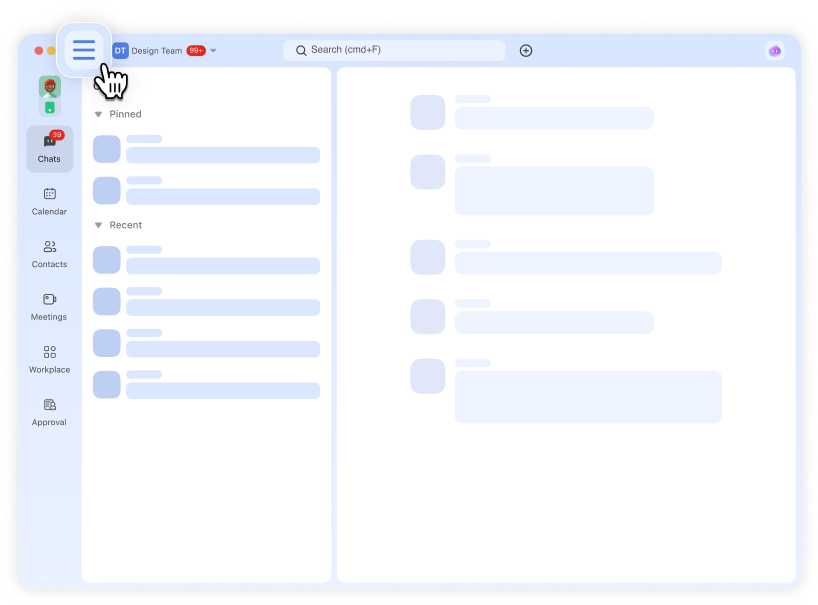
If you cannot see the left sidebar, please switch mode by clicking the switch icon.
Switch enterpirses on Matrx mobile