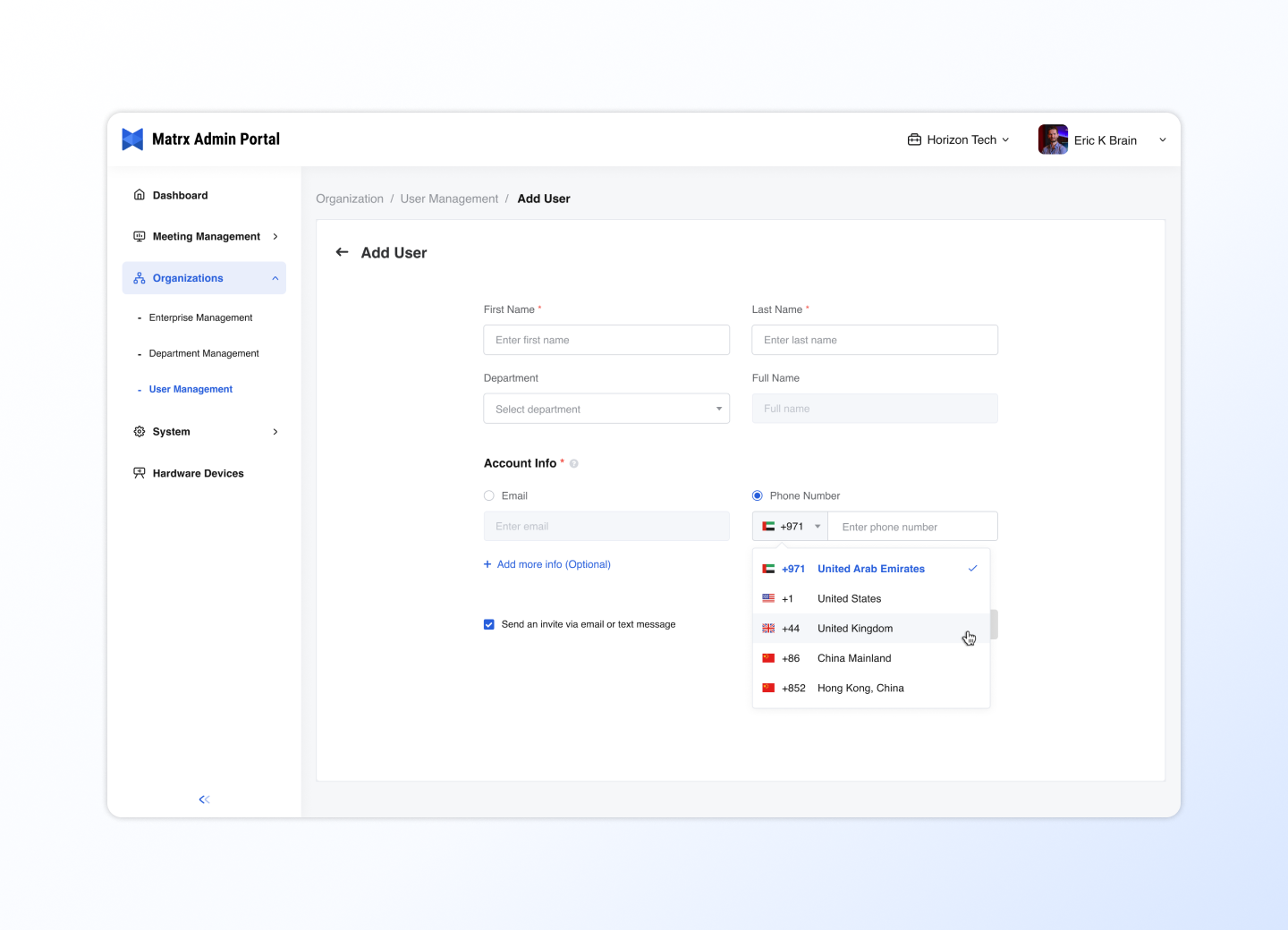
1 Create Enterprise Workspace
If you are new to Matrx, or you have not downloaded Matrx yet, please read [[Welcome to Matrx]]
Create an enterprise workspaces and invite your team members to work together! Use enterprise workspaces to manage team structure and members and unlock more collaborative features.
Create Enterprise Workspace
Please follow the steps below to create a business space
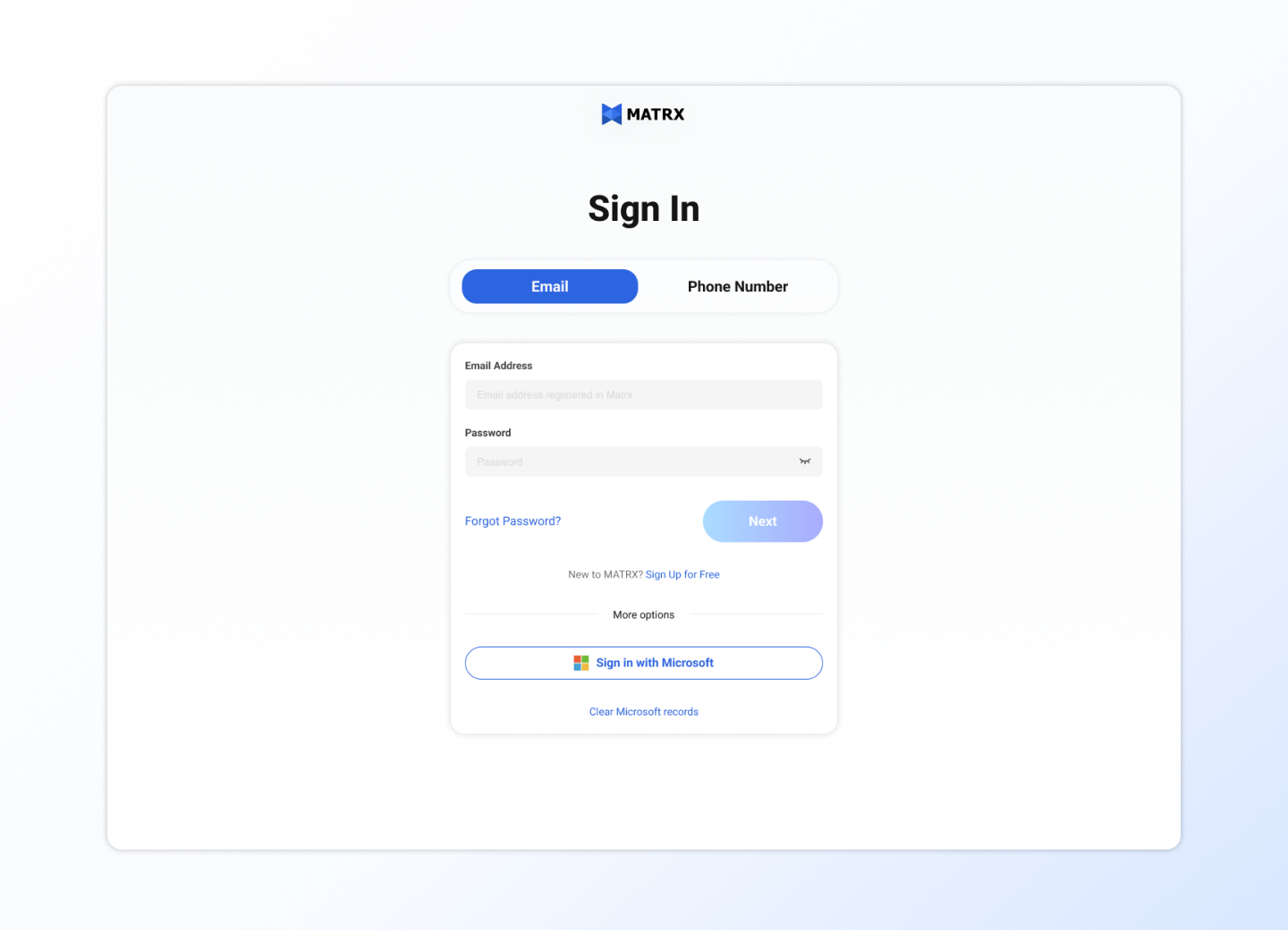
1 Sign in to Matrx Web Portal
2 Select a subscription plan
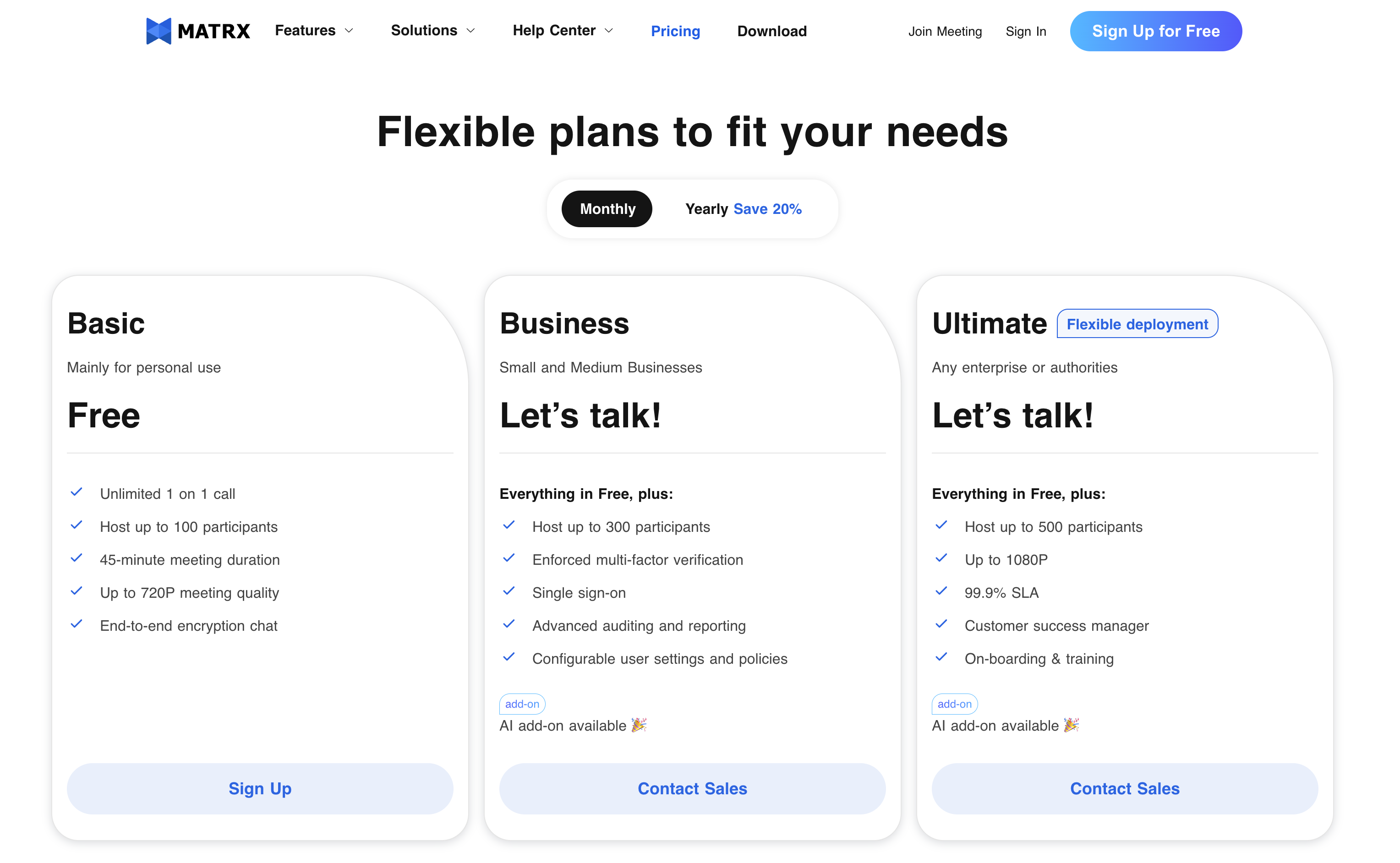
Go toPricing Page, check out the benefits comparison of different plans and choose the plan type that suits your team to subscribe.
If you want to choose the Bussiness or Enterprise plan, please leave your email address, enterprise name, number of members and other key information, and contact us to open an enterprise workspace for you.
3 Name your enterprise workspace
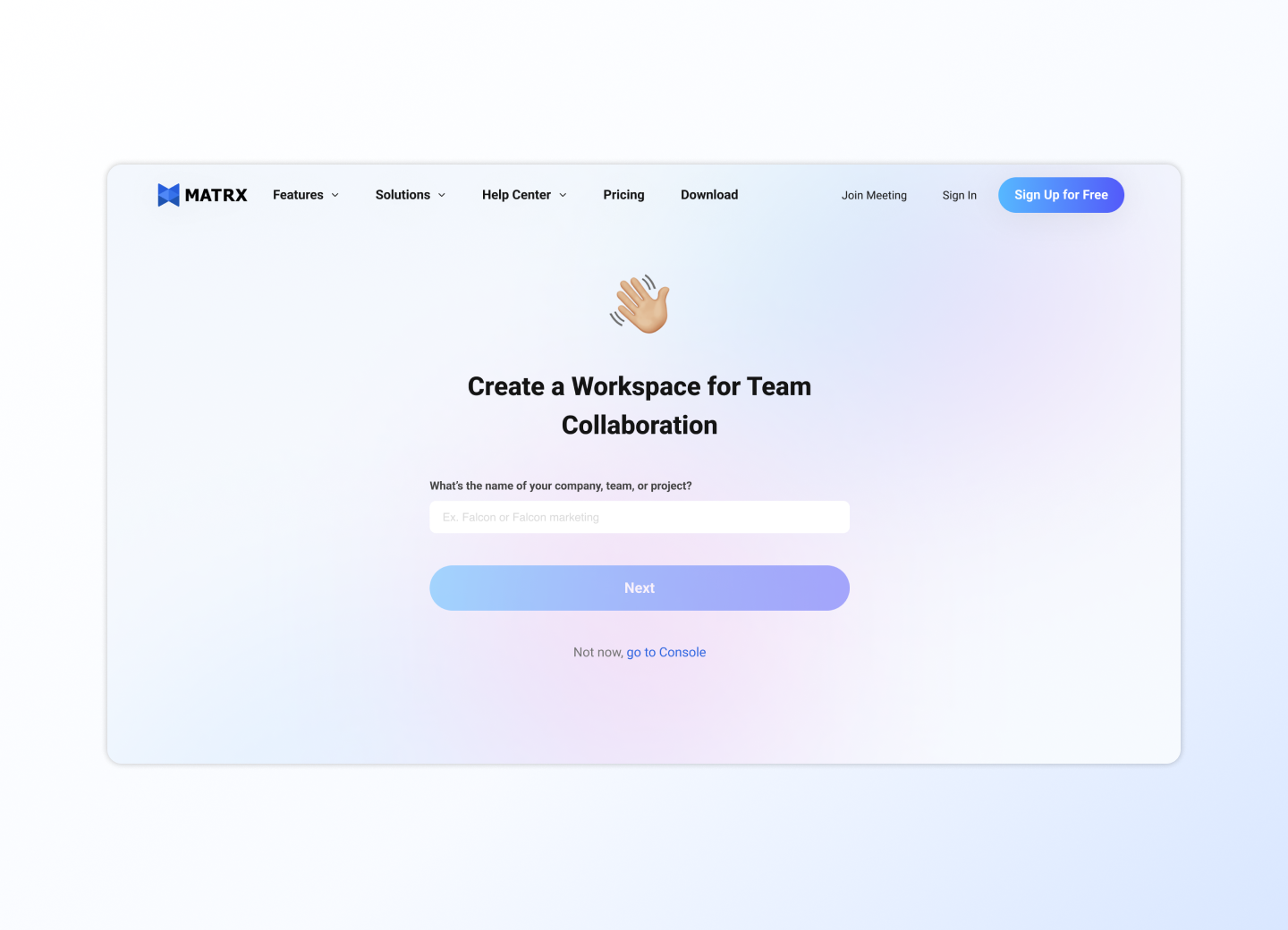
After successfully subscribing, you can choose a name for your business.
4 Invite Members into Workspace
After successfully creating an enterprise workspace, you can invite members to enter the workspace and start collaborative work!
Learn more ➡️ 3 Set Up Your Enterprise